Native macOS · One-Time Purchase

A timer that gets you.

Your tasks. Your timer. Your schedule. Your AI. One app that works the way your brain actually works.

Free to start · macOS 13+ · No account required

Tasks
MenuBar
Create
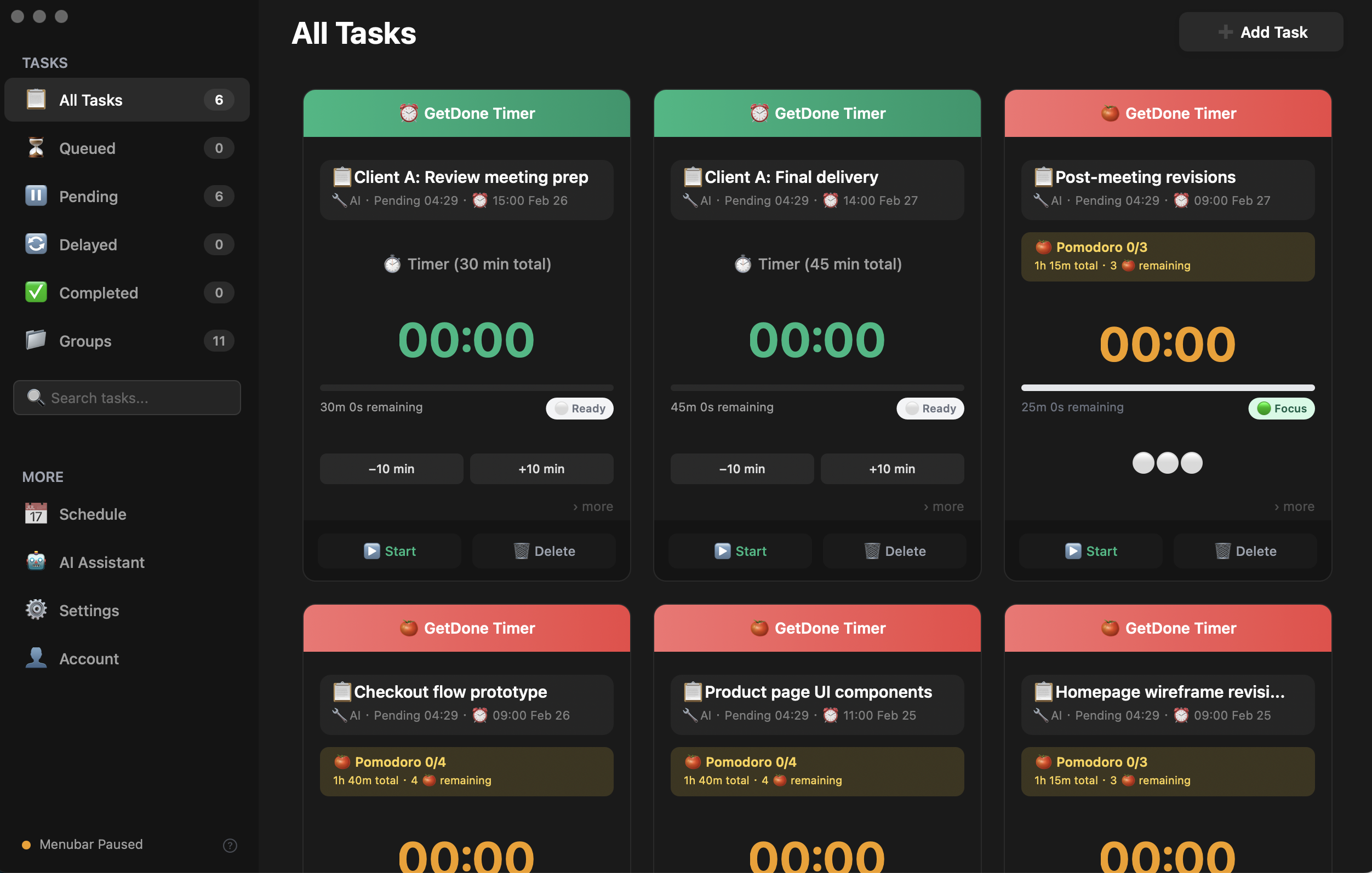
01 Create & Track
Task Management
Create Pomodoro and Timer tasks, manage them from the menubar, and stay focused with powerful tracking tools.
Pomodoro Mode
MenuBar Access
Status Tracking
Core Feature
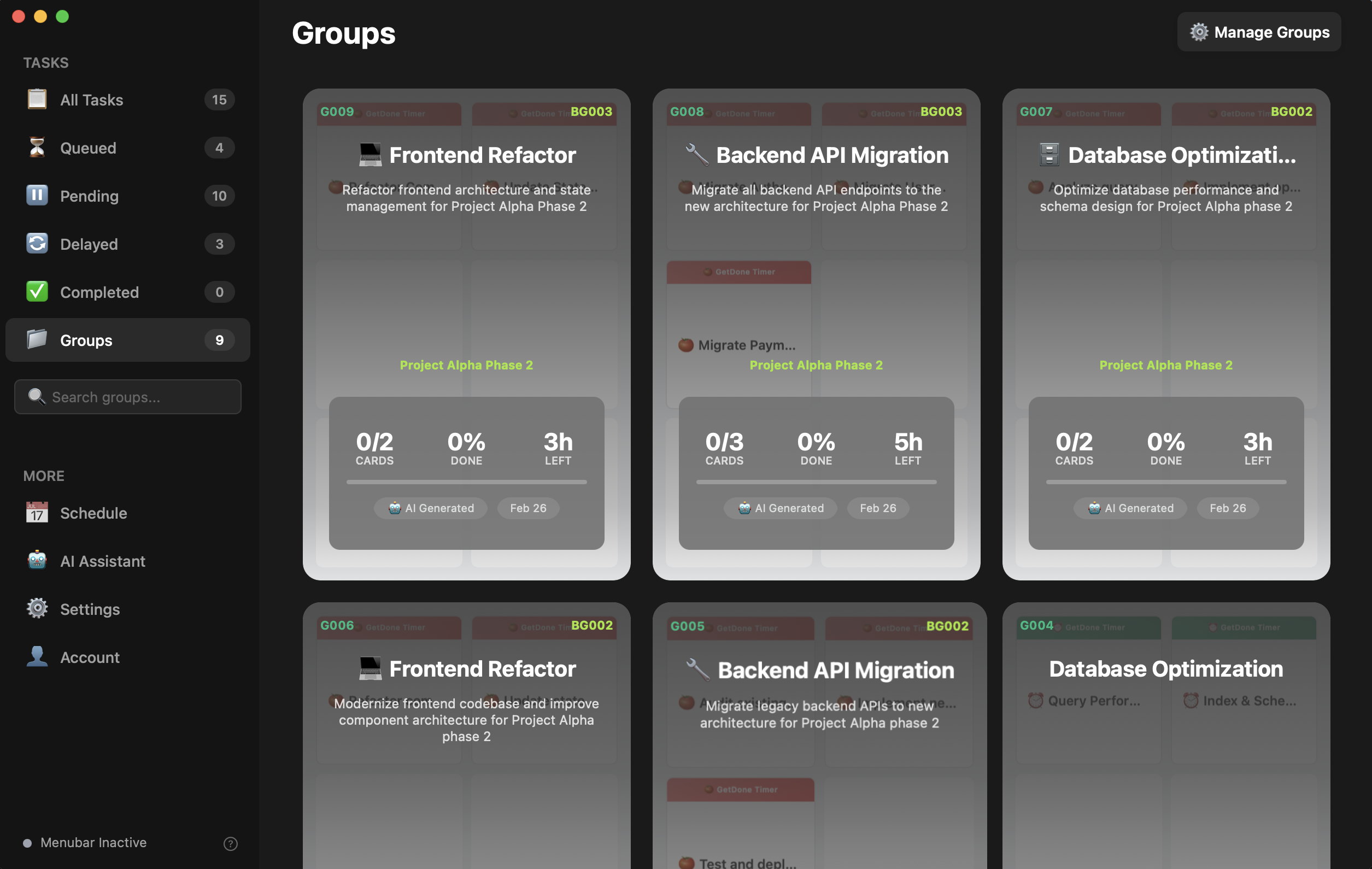
Groups
Detail
02 Organize
Smart Groups
Bundle related tasks into groups that execute one after another. Drag to reorder and watch tasks flow.
Sequential Flow
Drag & Drop
Auto-Advance
Workflow
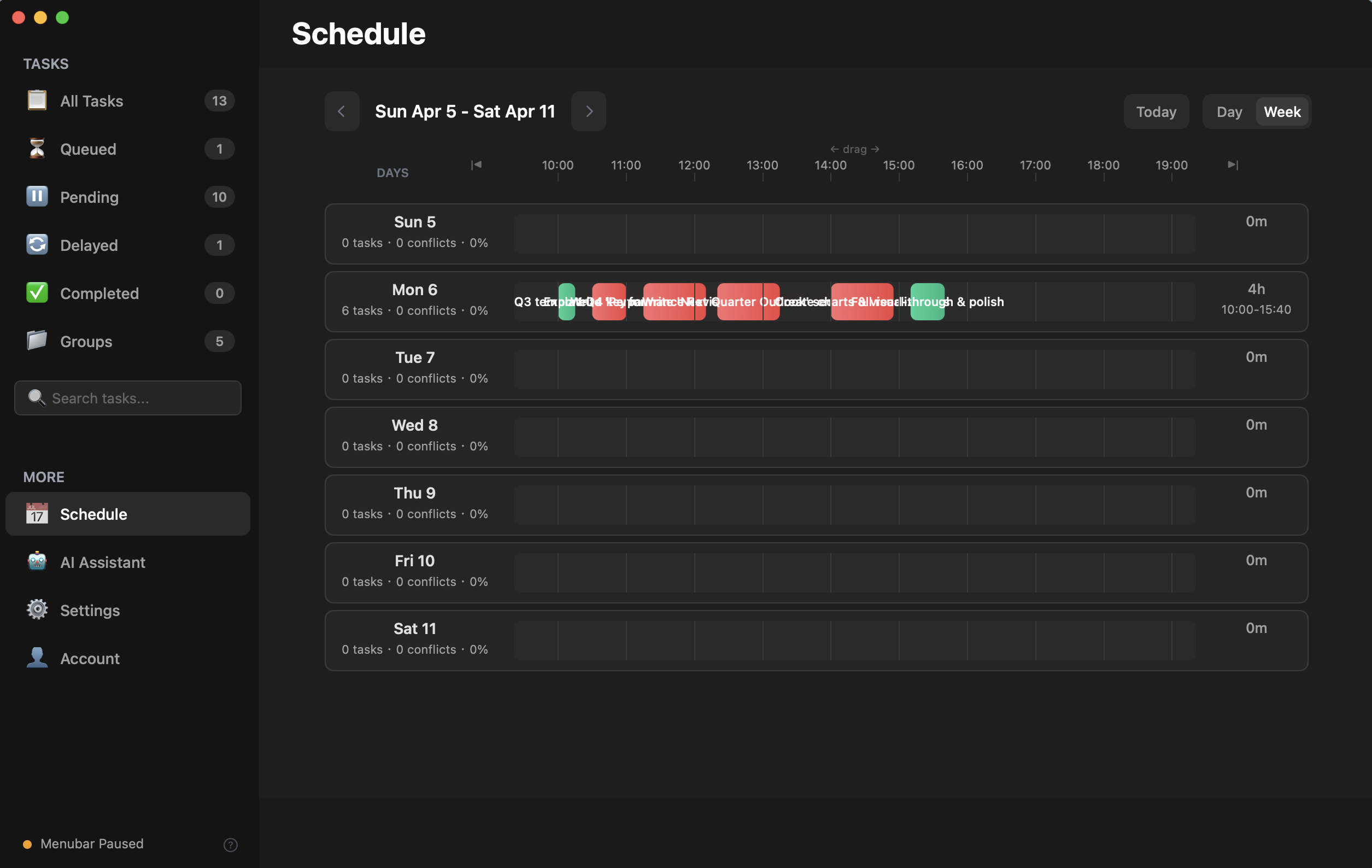
Week
Day
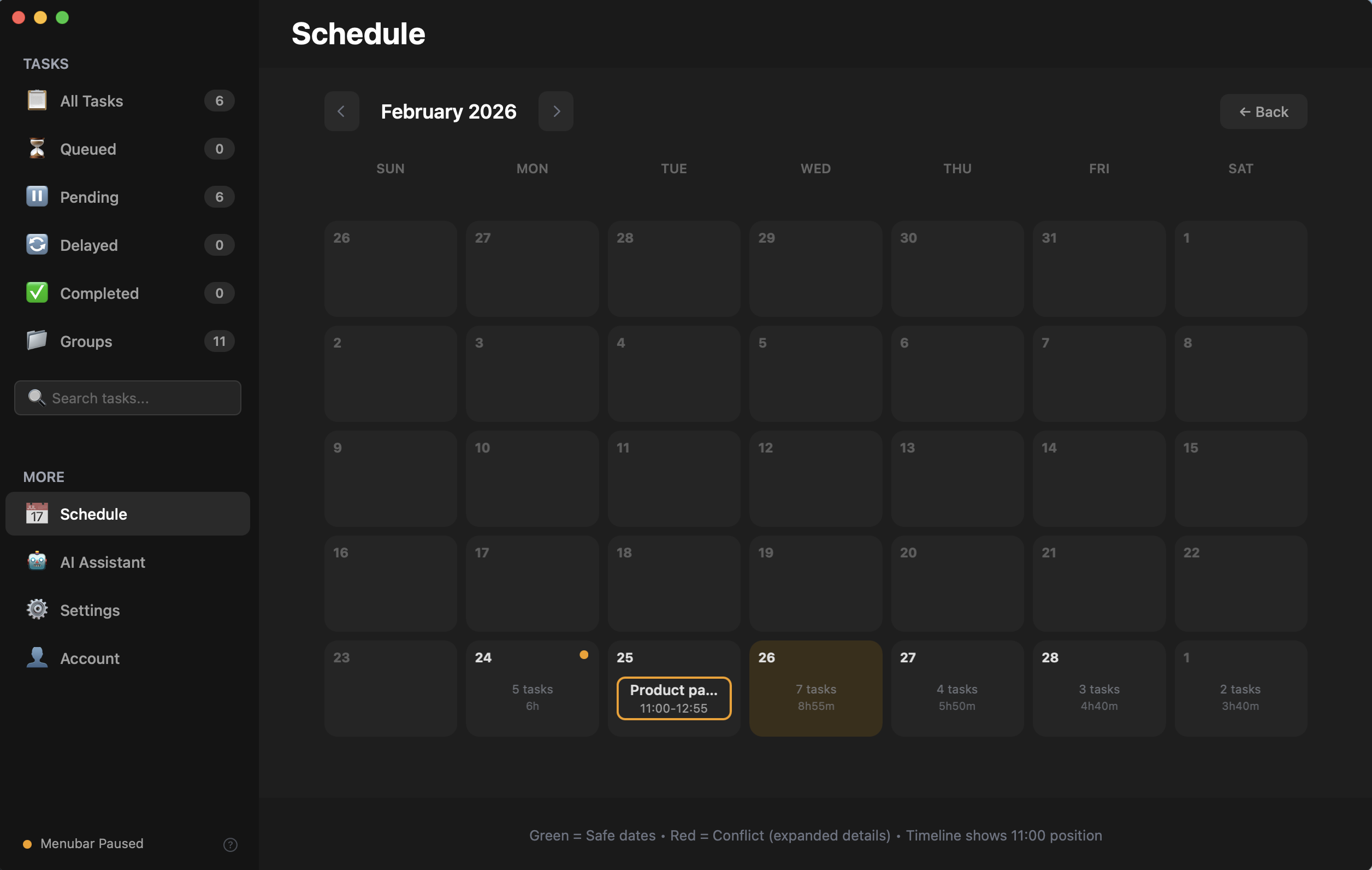
Month
03 Plan
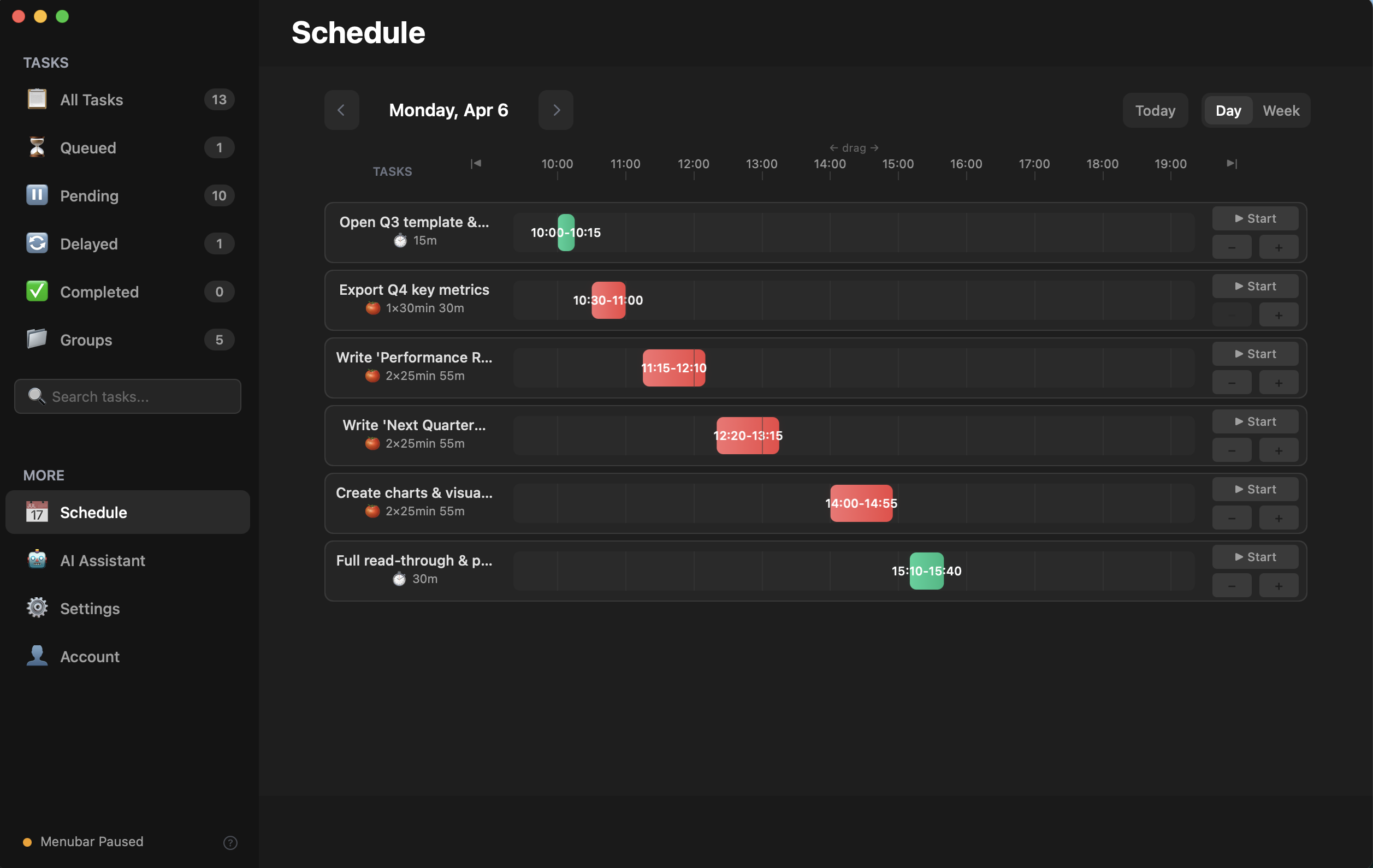
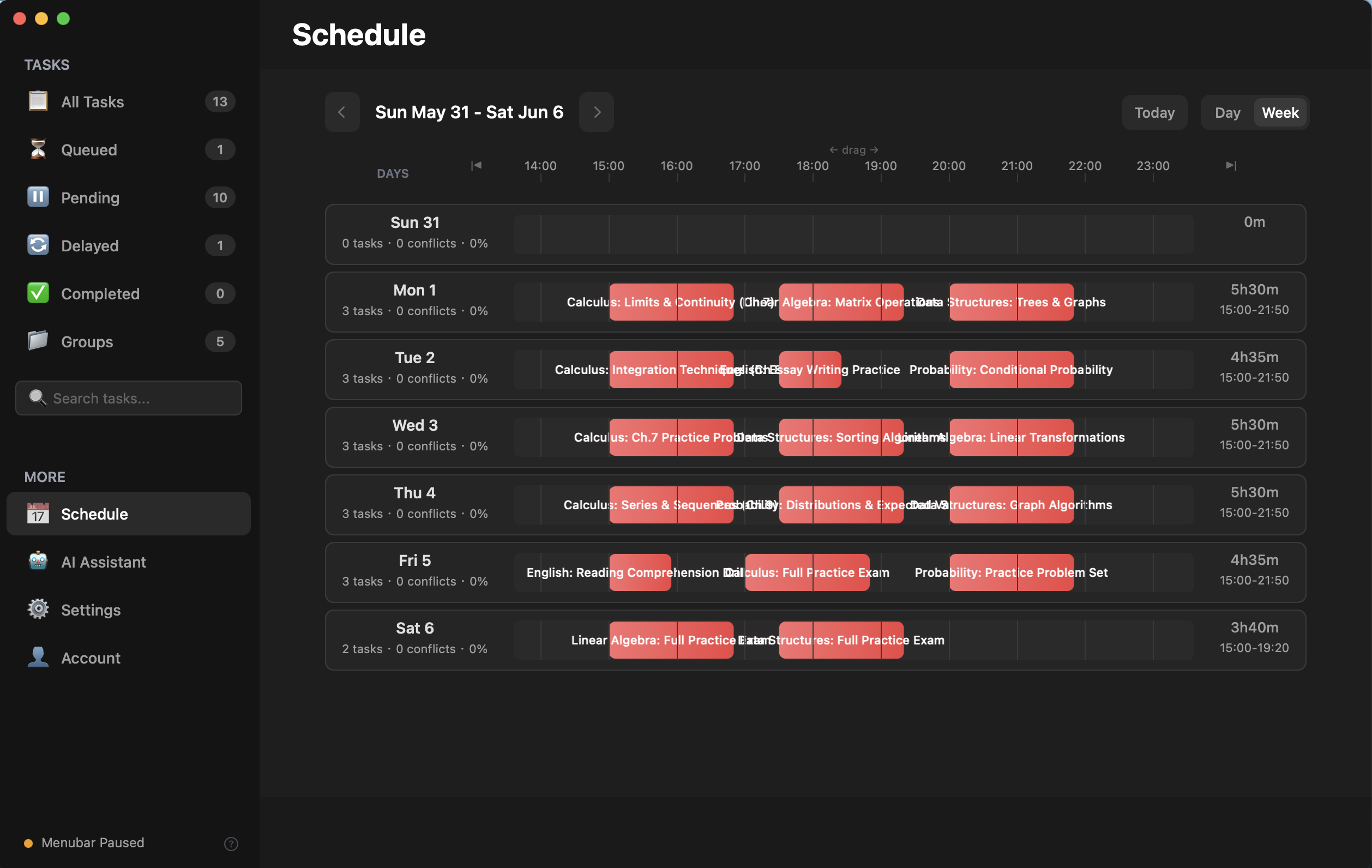
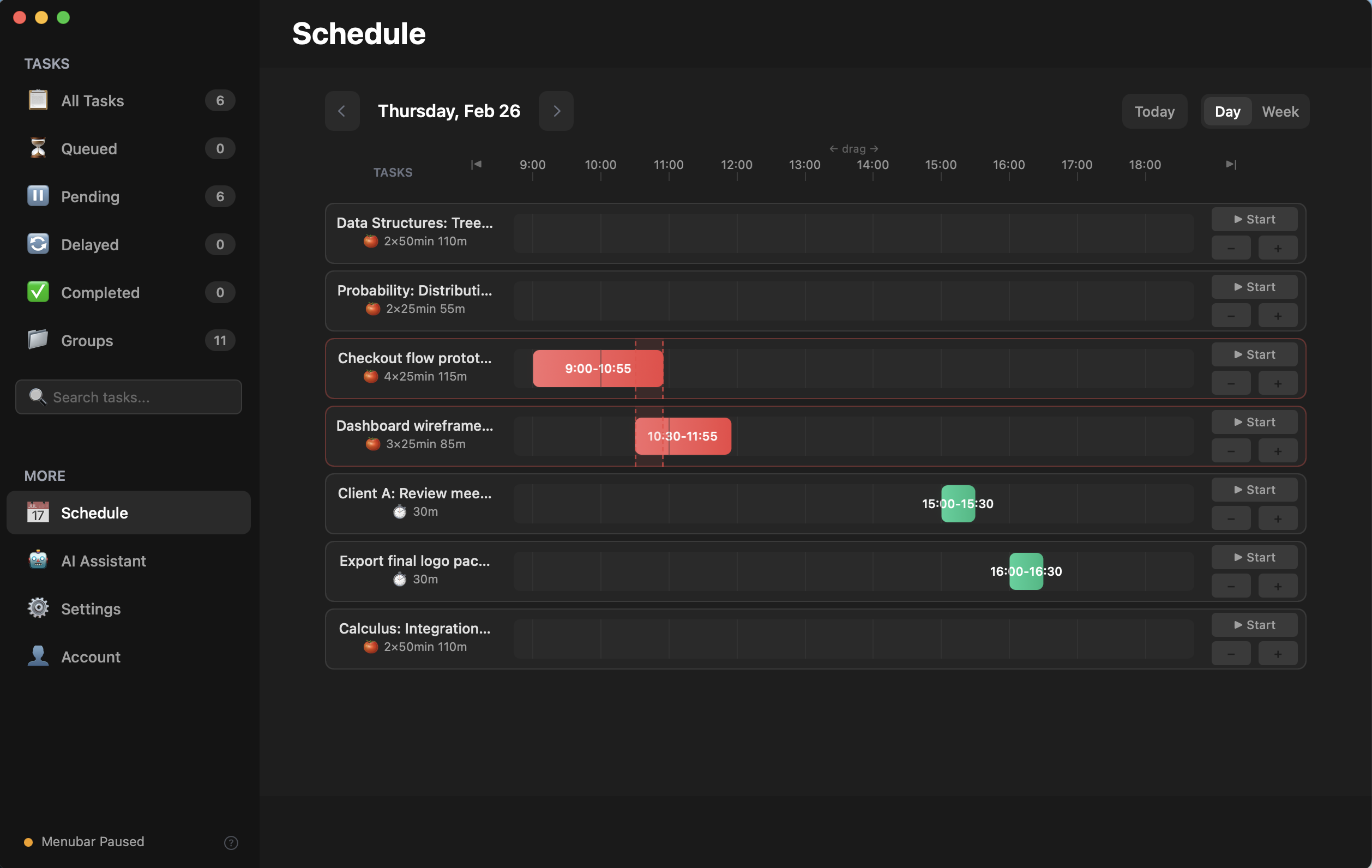
Schedule Planner
Plan your day, week, and month. Drag tasks onto the timeline and detect scheduling conflicts instantly.
📅 Three Views
Drag to Schedule
Conflict Alert
Planning
AI
Breakdown
BYOK
04 Automate
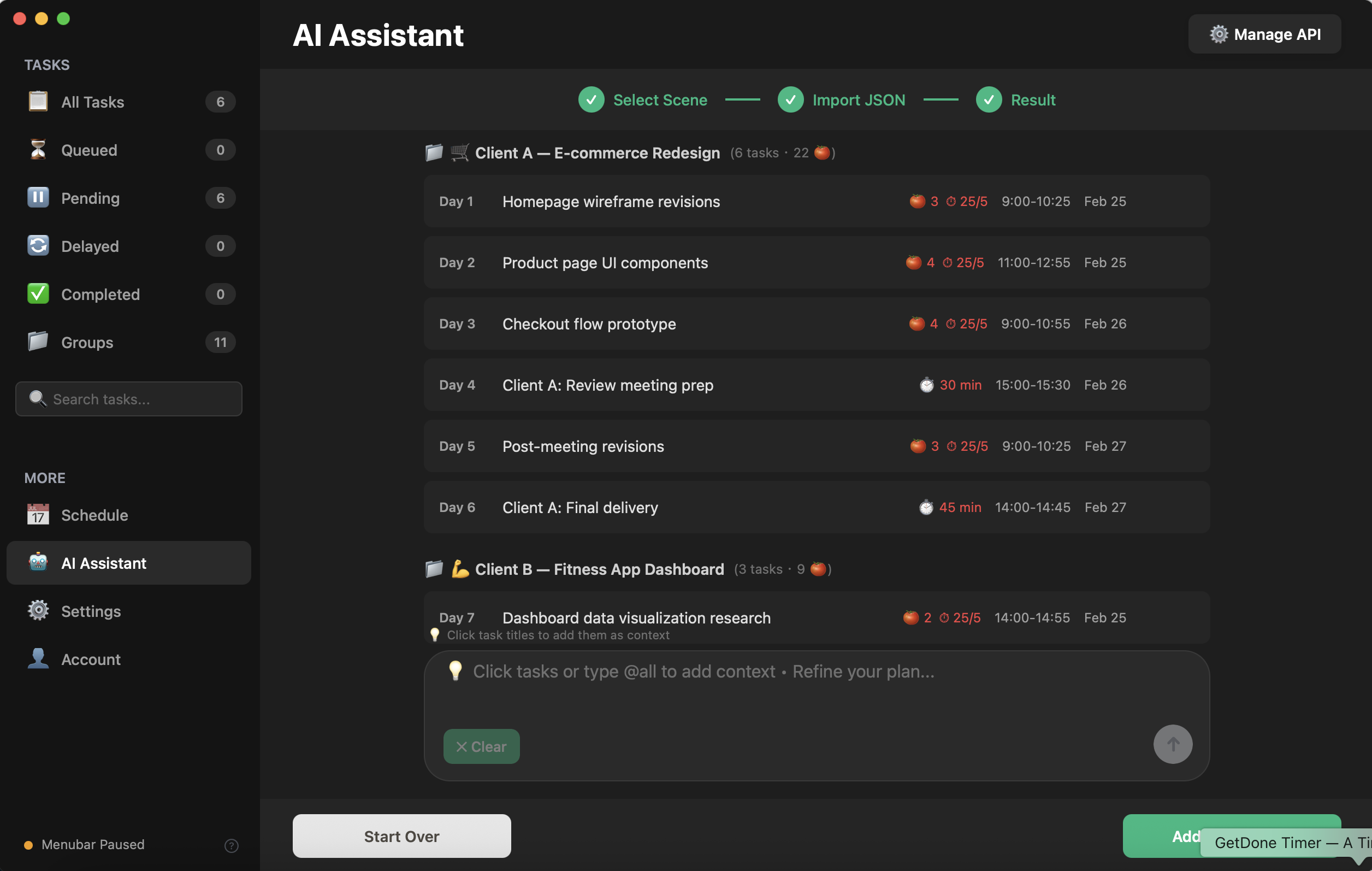
AI Assistant
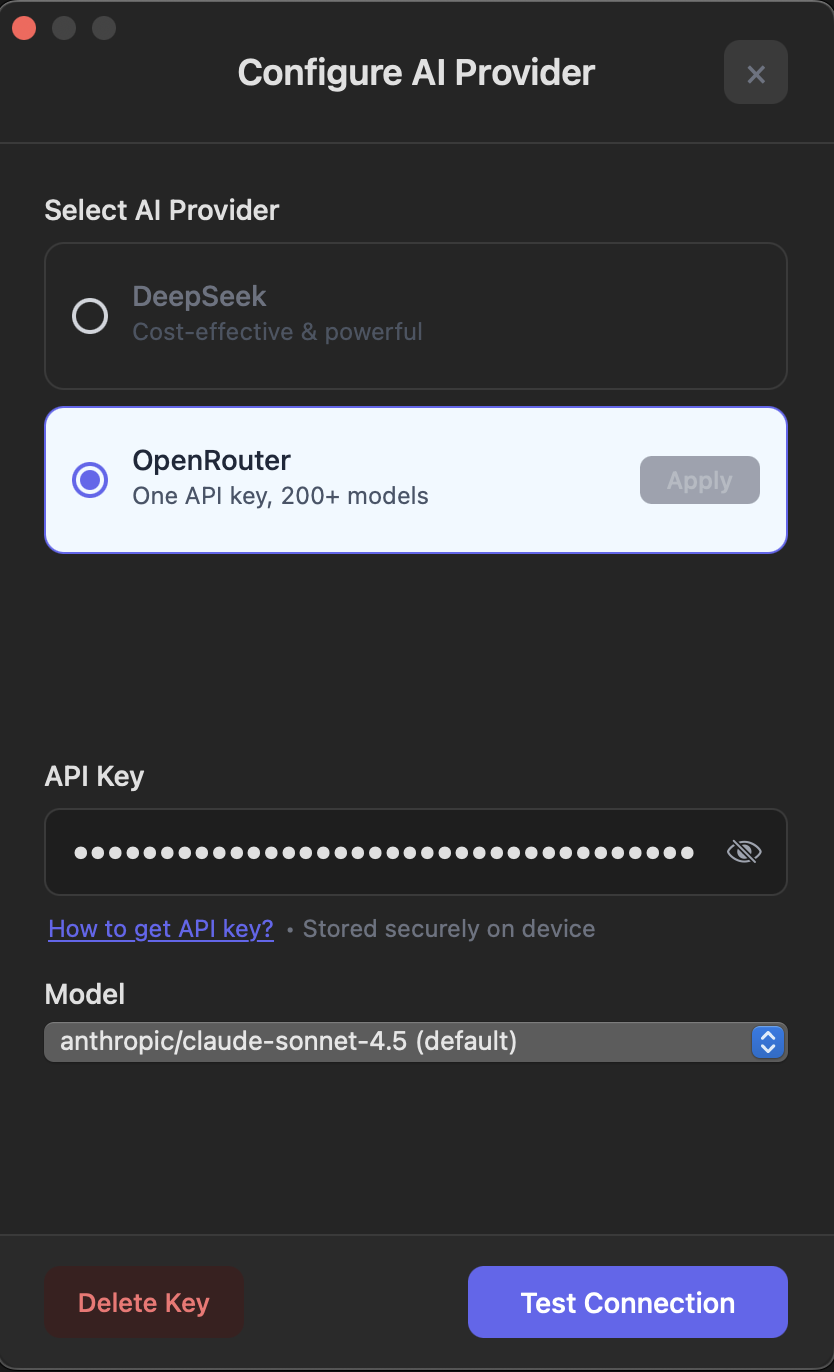
Leverage AI to decompose complex goals into structured tasks. Bring your own key for GPT-4, Claude, or DeepSeek.
Multi-Provider
🔑 BYOK
Decomposition
AI Powered
Settings
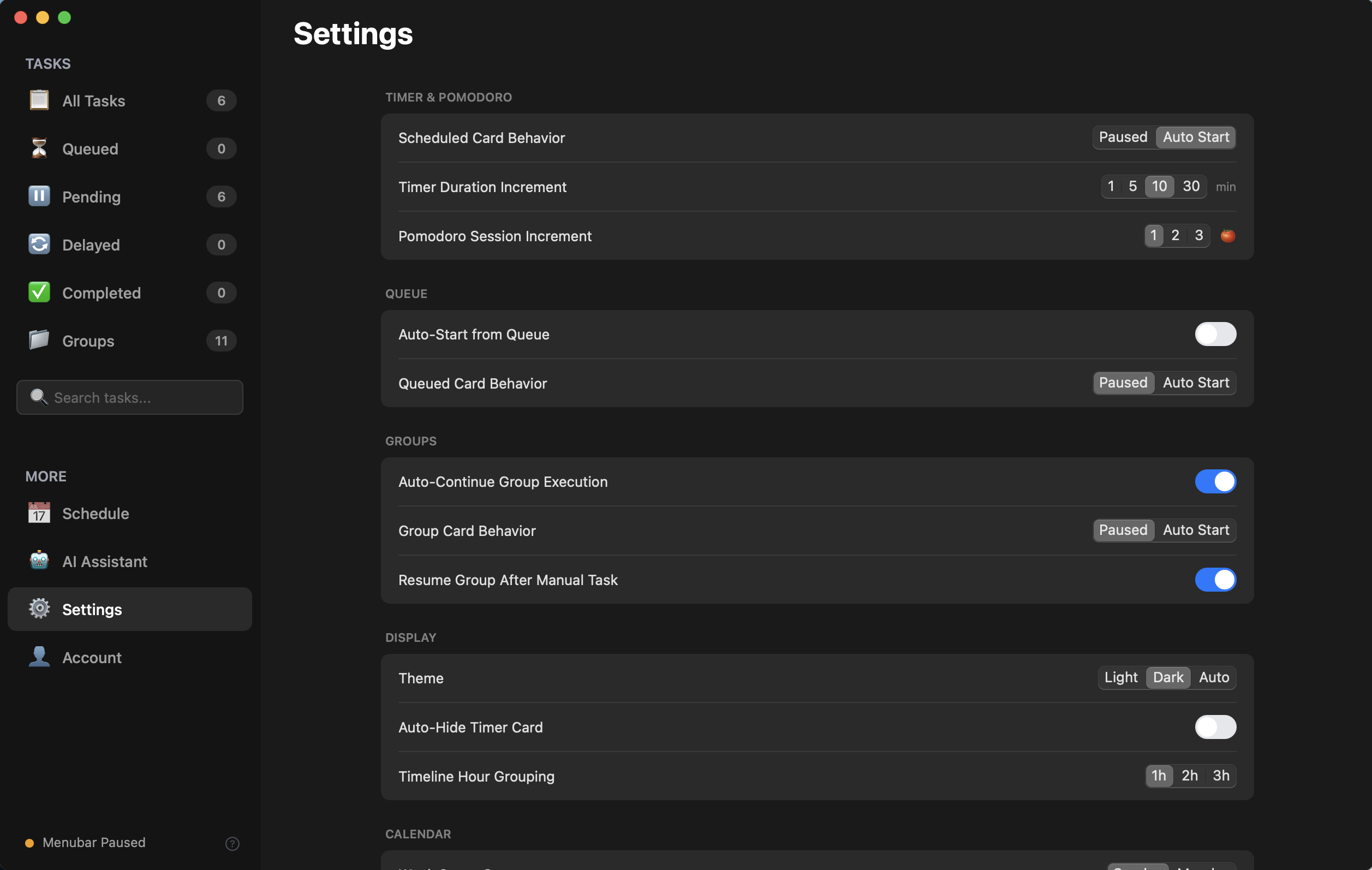
Timer Settings
Appearance Settings
05 Personalize
Fully Customizable
Themes, sounds, shortcuts, and 10+ settings groups. Every detail tuned to your workflow.
🎨 Themes
Shortcuts
🎵 Sounds
Personalize
Task Management
What We Believe

We didn't build another productivity app. We built a philosophy.

01

Your rhythm is yours to define

Some mornings you need a 15-minute push to overcome inertia. Some afternoons you're in a 3-hour flow state. A timer that only knows "25 minutes" doesn't know you.

02

Your tools should talk to each other

A task list that doesn't know your timer. A timer that doesn't know your schedule. Three apps pretending to work together. That's not productivity — that's overhead.

03

Your data belongs on your machine

Your task names, your time logs, your work patterns. They live on your Mac. Not on our server. Not in our analytics dashboard. On your hard drive.

04

A great tool earns its price on day one

Not month one. Not "after you've used it enough to justify renewing." If it saves you time the first morning, it was worth it. That's the only pricing philosophy we trust.

"The best tools don't make you more disciplined. They make discipline unnecessary."
— The GetDone Timer design principle

The alarm went off. Her flow state didn't come back.

Maya was 40 minutes into a breakthrough. The design she'd been stuck on for three days was finally coming together. Her fingers moved faster than her thoughts.

Ding. 25 minutes. Break time.

It wasn't the sound that hurt. It was the interruption. The character she was designing stopped mid-sentence in her mind. The visual rhythm she'd found — gone. She spent the next hour trying to get it back. She didn't.

Flow state isn't a tap you can turn on and off.
GetDone Timer's answer
Two modes. Pomodoro for when you need structure. Free Timer for when you're in the zone.

Already timing and need 30 more minutes? Tap +30 min. No restart. No re-setup. No leaving your canvas.

Your tools should protect your flow — not shatter it.
bg
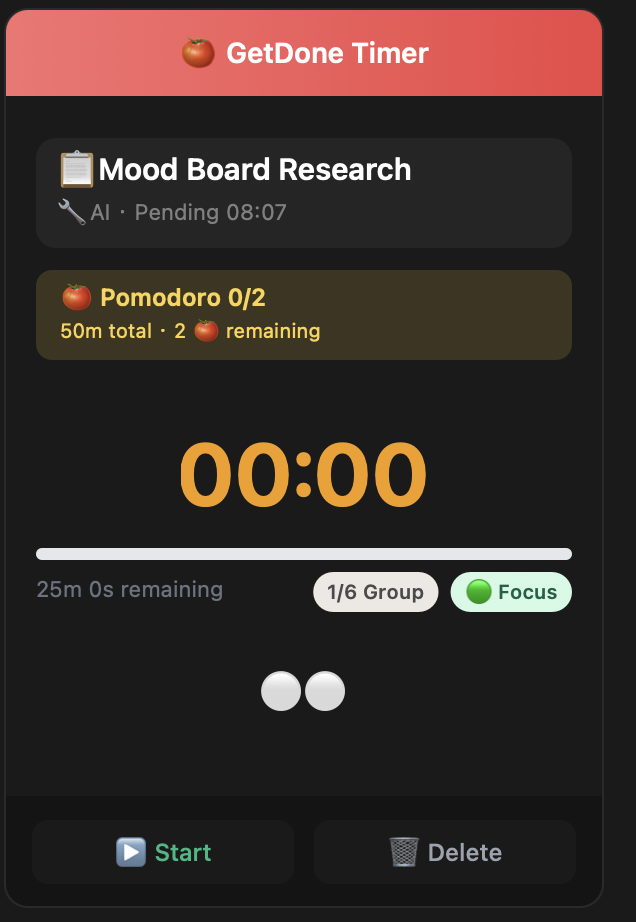
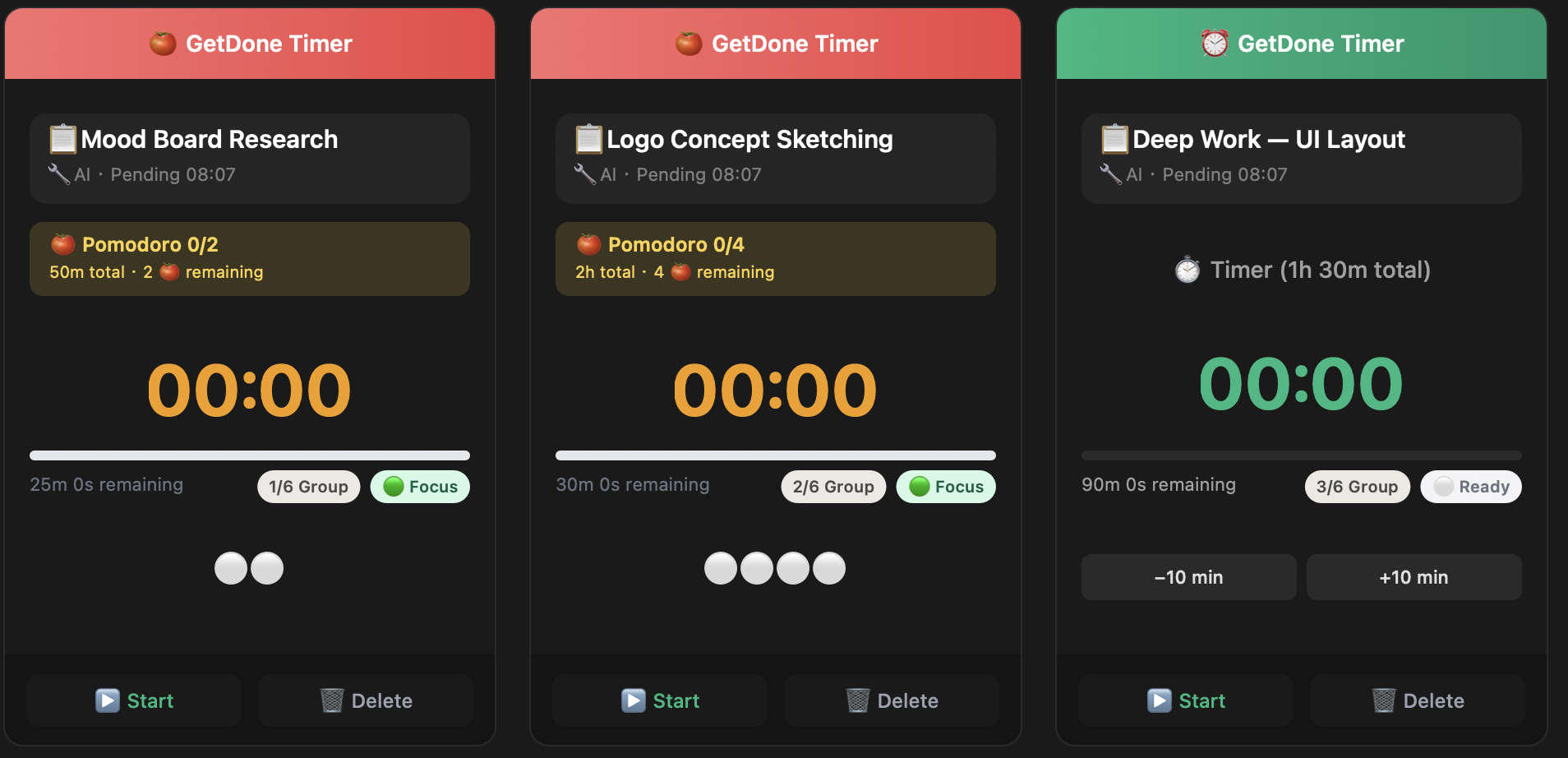
Mood Board Research
01 Structure
Pomodoro Mode
Customizable focus/break cycles. 25, 30, or 45 min — your rhythm, your rules.
Focus & Break
Session Count
Pomodoro
bg
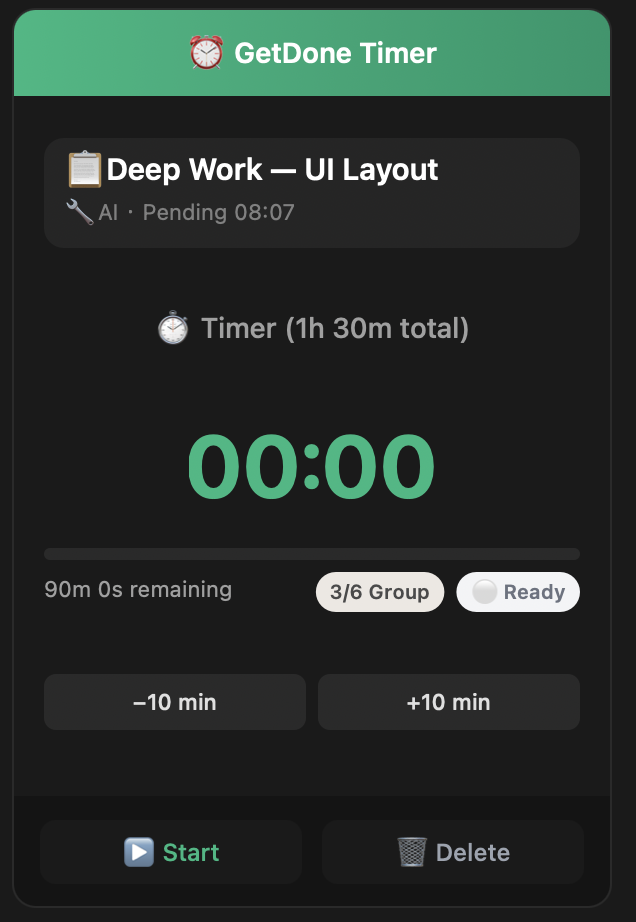
Deep Work — UI Layout
02 Flow
Free Timer
No forced breaks. No interruptions. Extend anytime with +15, +30, or +60 min.
Unlimited
+30 Extend
Timer
bg
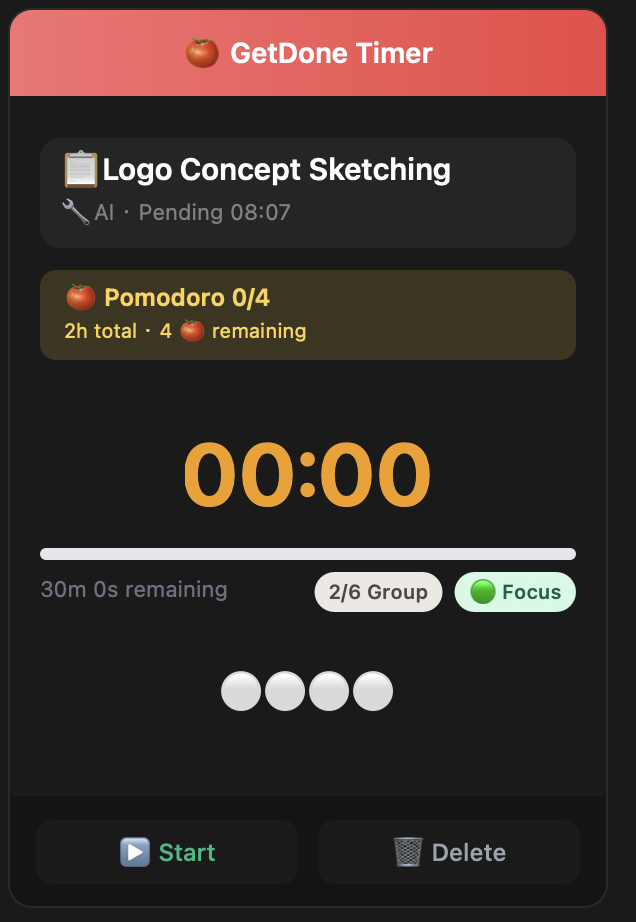
Logo Concept Sketching
01 Structure
Pomodoro Mode
Customizable focus/break cycles. 25, 30, or 45 min — your rhythm, your rules.
Focus & Break
Session Count
Pomodoro
bg
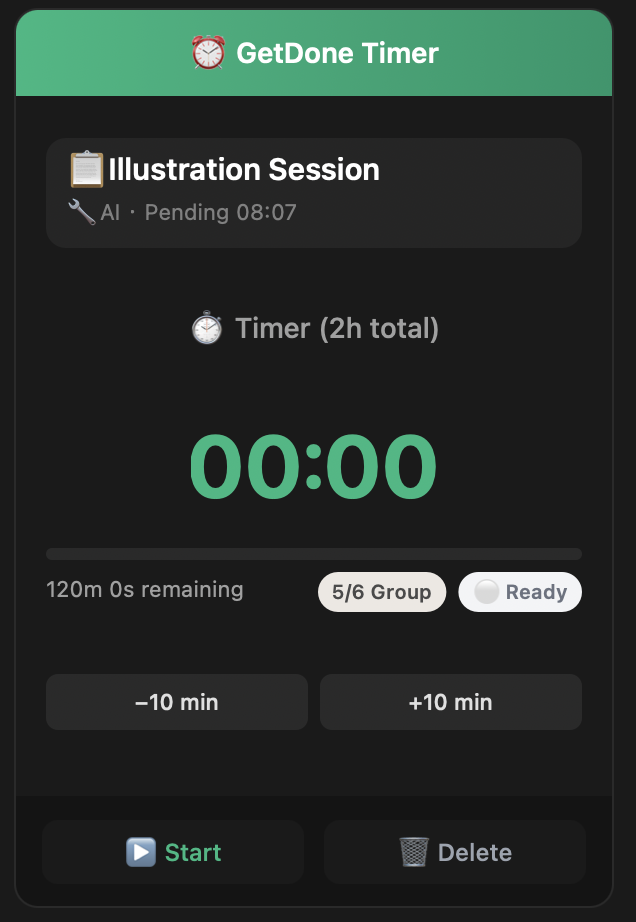
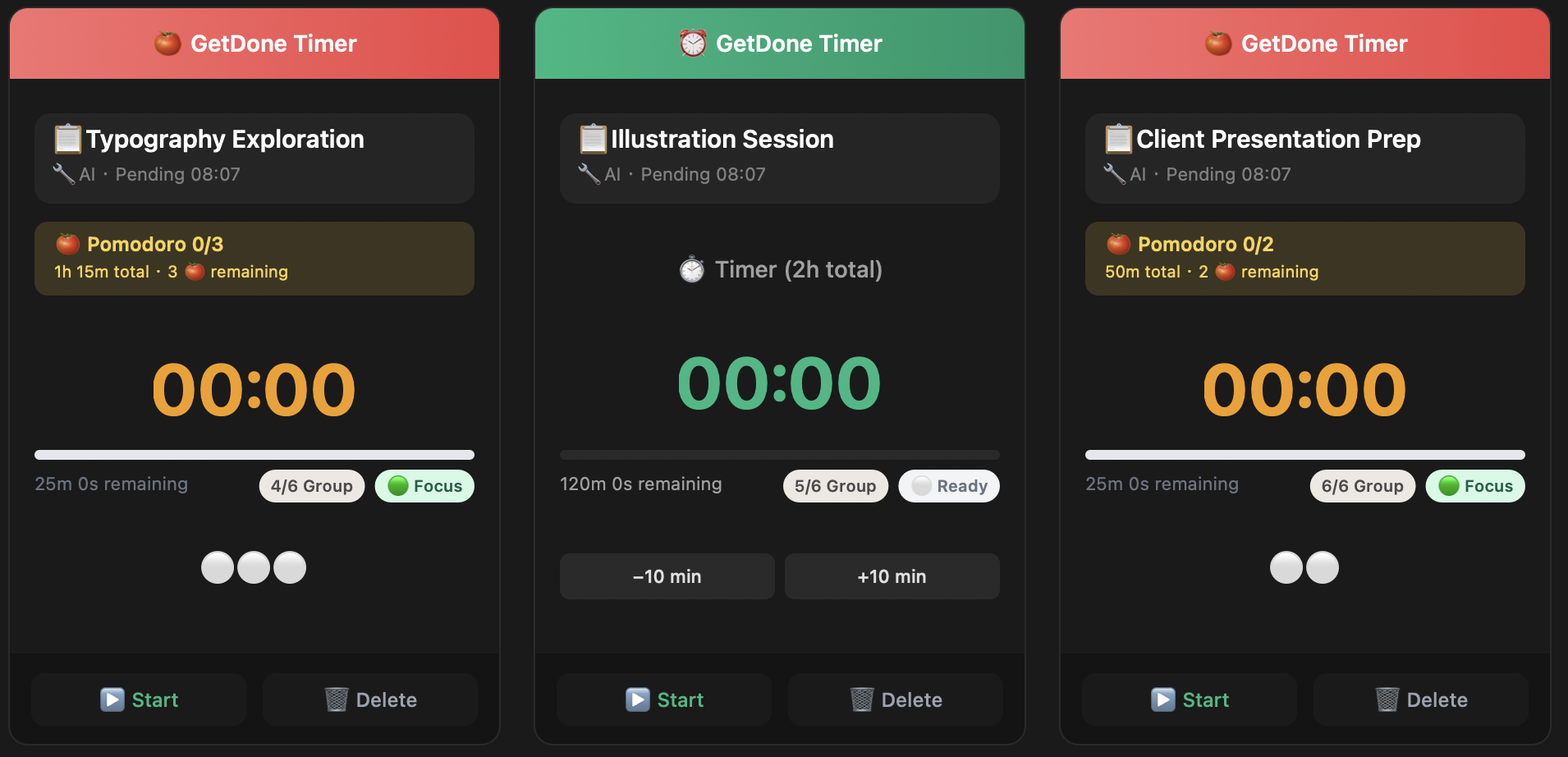
Illustration Session
02 Flow
Free Timer
No forced breaks. No interruptions. Extend anytime with +15, +30, or +60 min.
Unlimited
+30 Extend
Timer
bg
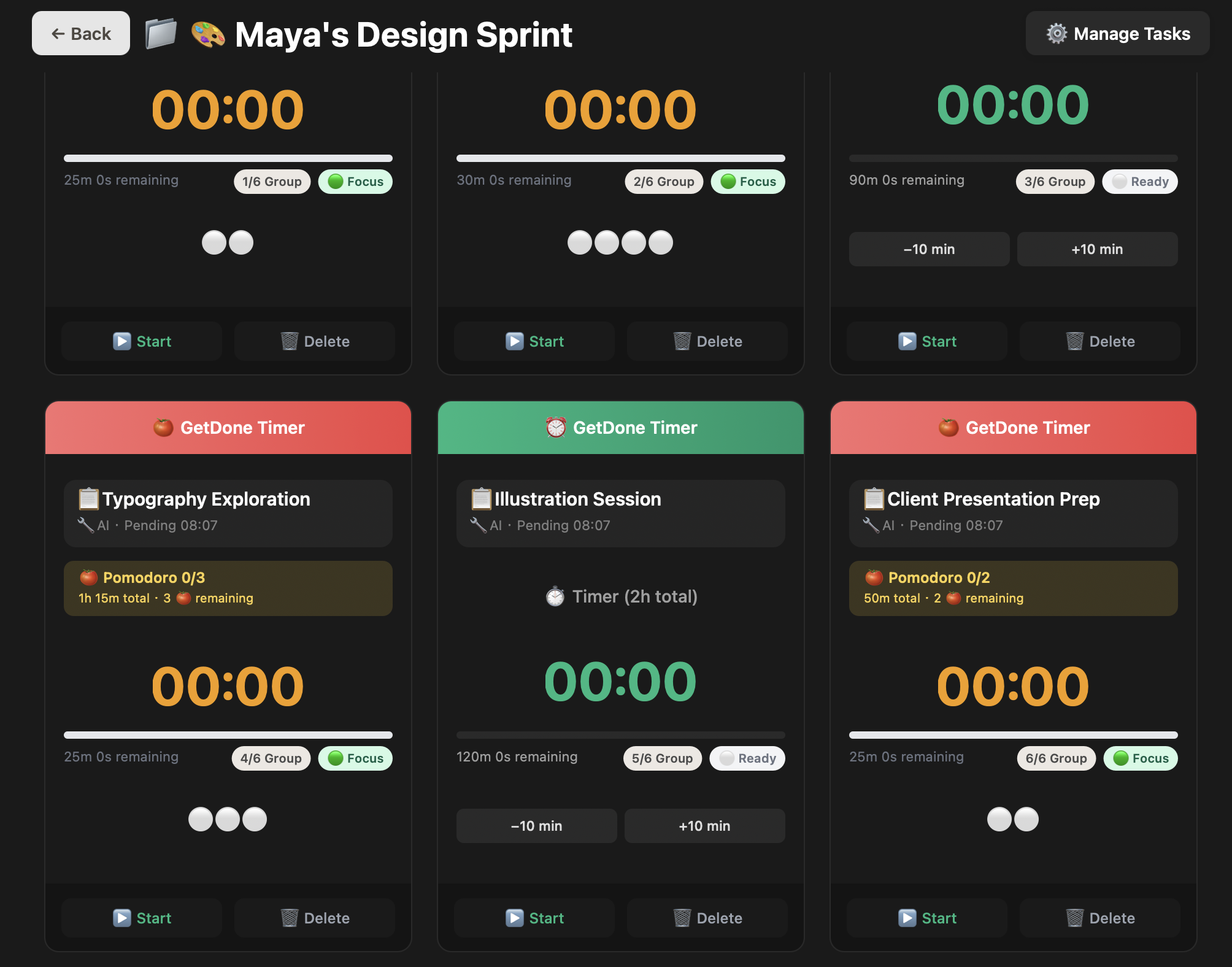
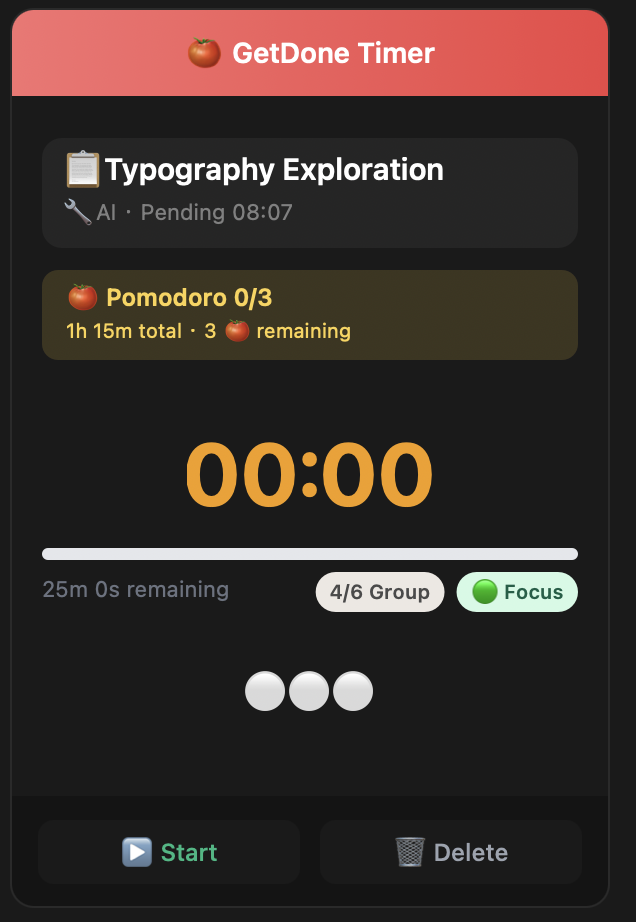
Typography Exploration
03 Flexible
Two Modes, One Flow
Pomodoro for structure. Free Timer for the zone. Switch freely between them.
Dual Mode
Switch
Flexible
bg
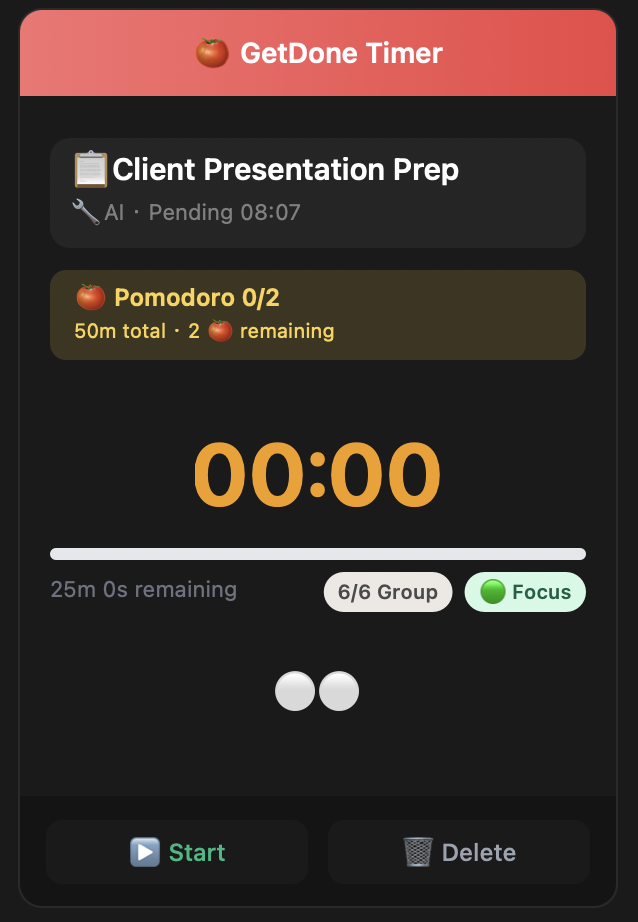
Client Presentation Prep
03 Flexible
Two Modes, One Flow
Pomodoro for structure. Free Timer for the zone. Switch freely between them.
Dual Mode
Switch
Flexible
Pomodoro Mode
She planned her day in one app. Then forgot to check it by 3pm.

8:30am. A beautiful color-coded time block in the schedule app. 9:00 write proposal. 10:30 emails. 11:00 prep for client meeting.

The proposal took 15 minutes longer. She didn't notice — the schedule app doesn't have a countdown. By 3pm the whole plan had silently derailed. She looked at the perfectly organized blocks that no longer matched reality.

Planning and execution were in two different worlds.
GetDone Timer's answer
Same app. Same timeline. Schedule your day in the morning. When 9:00 arrives, the menubar timer starts automatically: "Write proposal — 90 minutes."

The countdown is always visible. When you finish, the next task rolls in. Your plan doesn't sit in a pretty app you forgot to open. It runs alongside you all day.
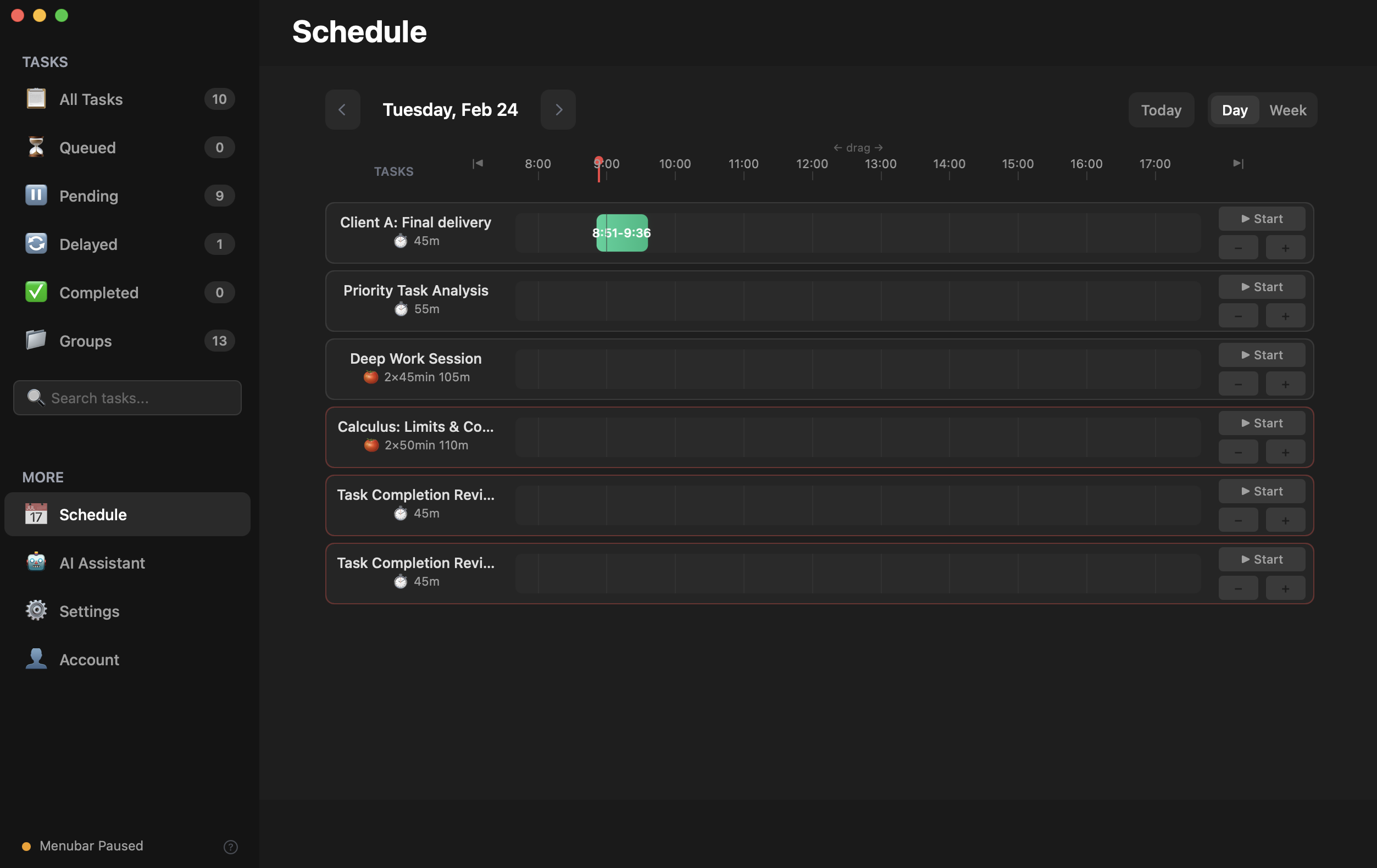
Day View
01 Plan
Plan Your Day
Schedule tasks on a 24-hour timeline. Drag, drop, and see conflicts instantly.
📅 Day View
Drag & Drop
Schedule
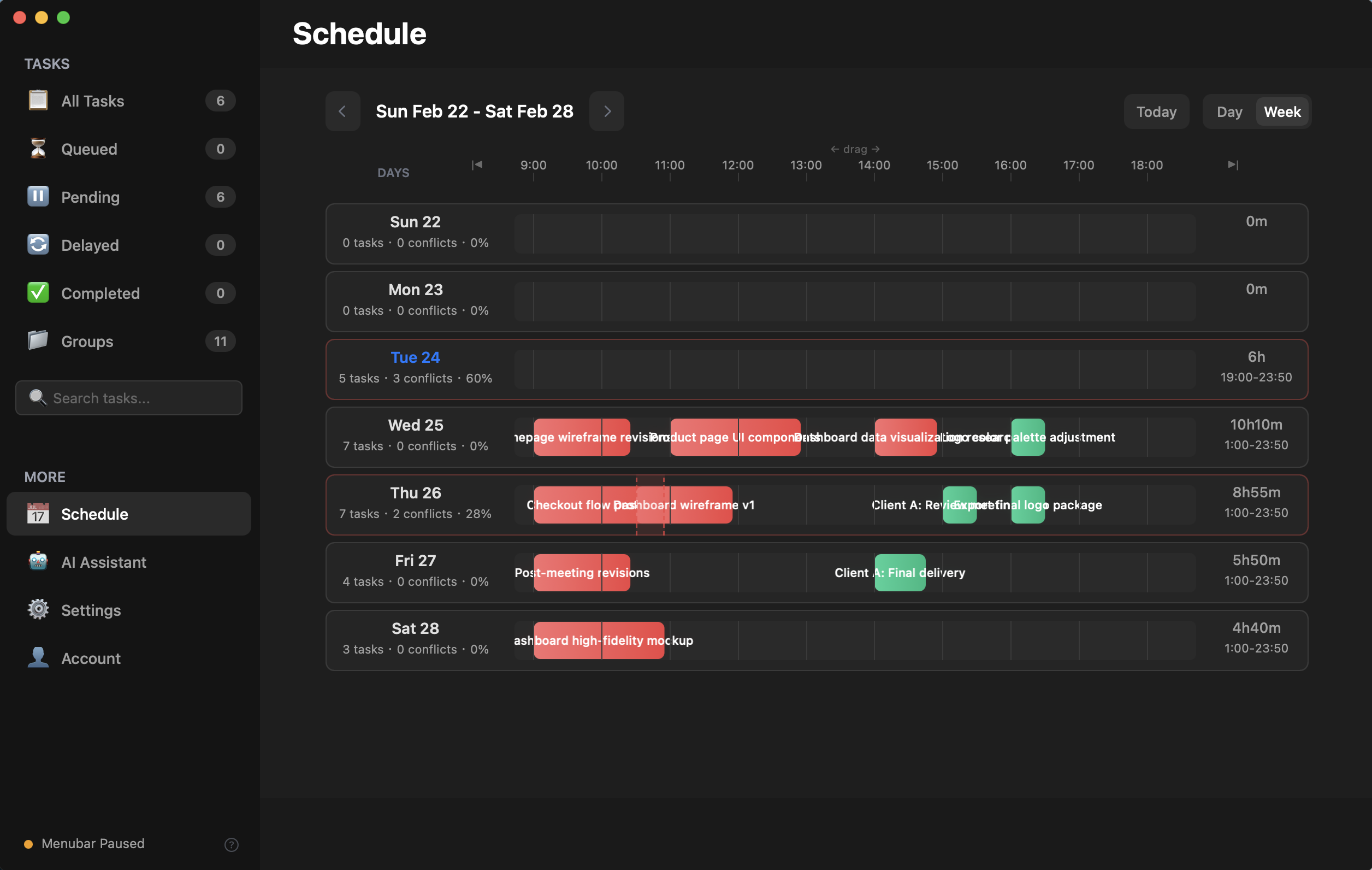
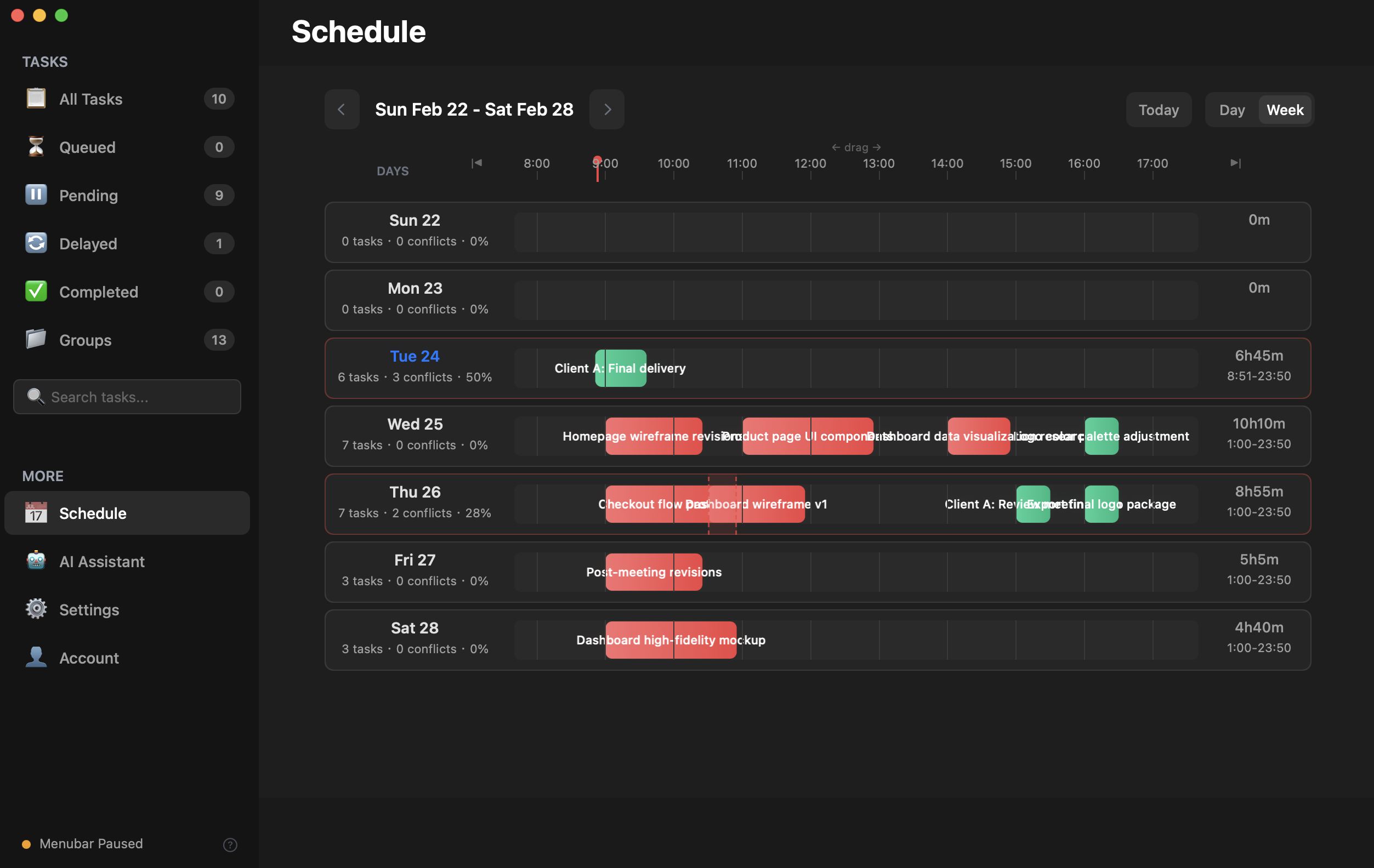
Week View
02 Overview
See the Week
Seven days at a glance. Task bars show time, conflicts, and total hours per day.
📈 Week View
Conflicts
Schedule
bg
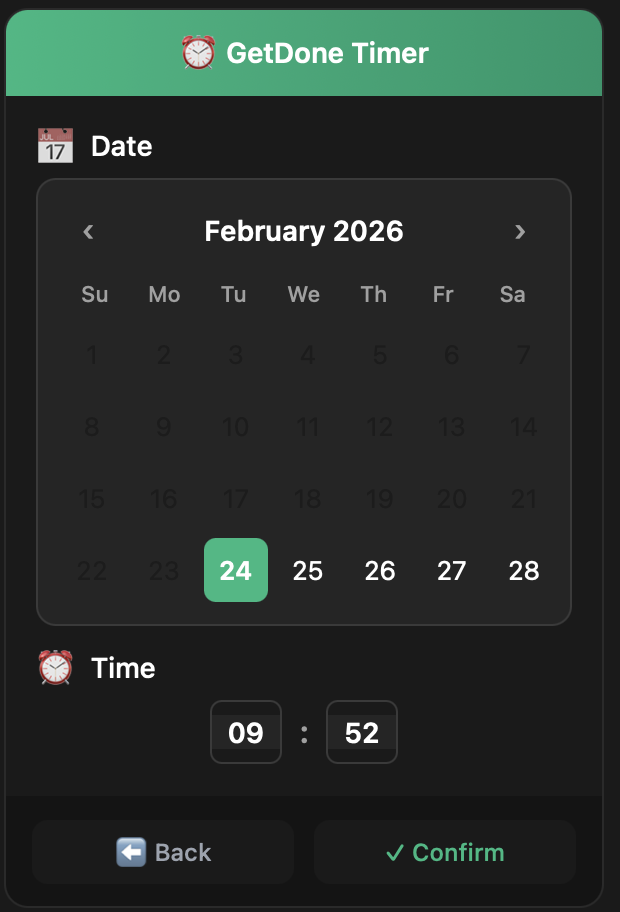
Schedule Picker
03 Schedule
Set the Time
Pick date and time. The task will start automatically when the moment arrives.
📅 Date Picker
Auto-Start
Schedule
bg
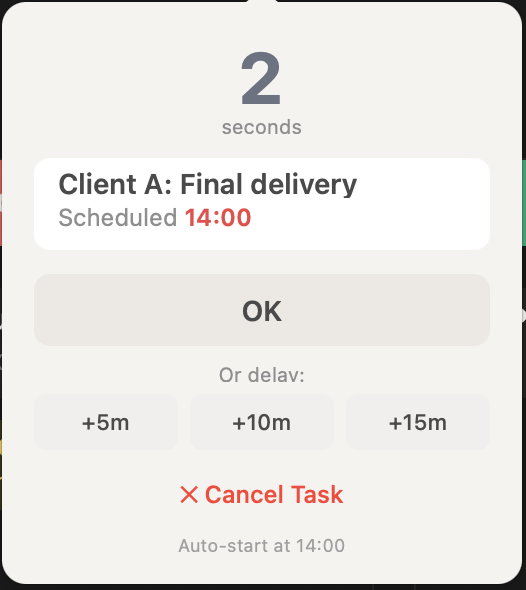
Auto-Start Countdown
04 Execute
Auto-Start
When the scheduled time arrives, a countdown begins. OK to start, or delay if you need a moment.
Auto
Delay
Execute
bg
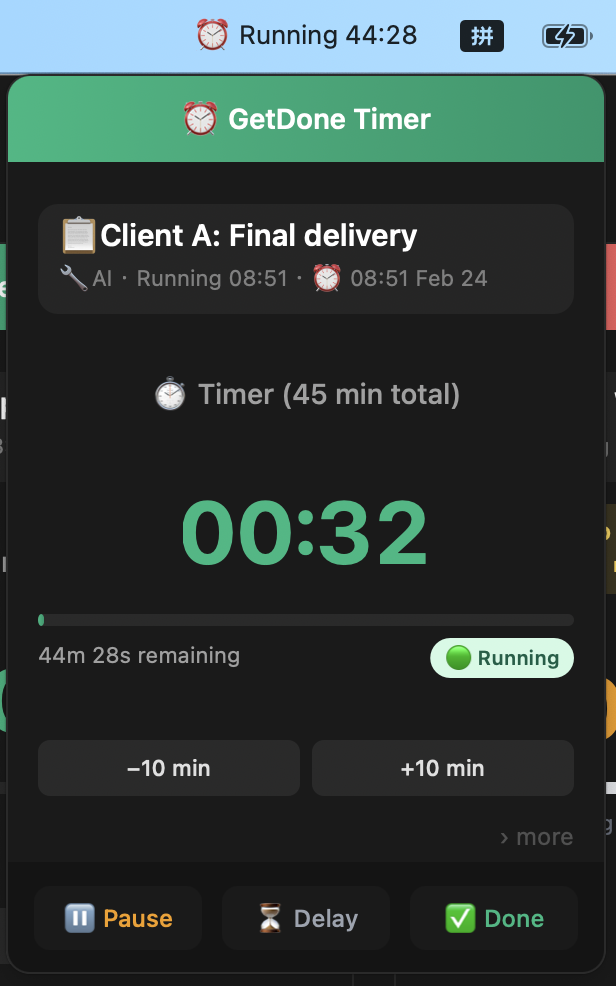
Menubar Timer Running
05 Focus
Always Visible
The countdown runs in your menubar. Pause, delay, or mark done — without leaving your work.
Running
Pause
Menubar
bg
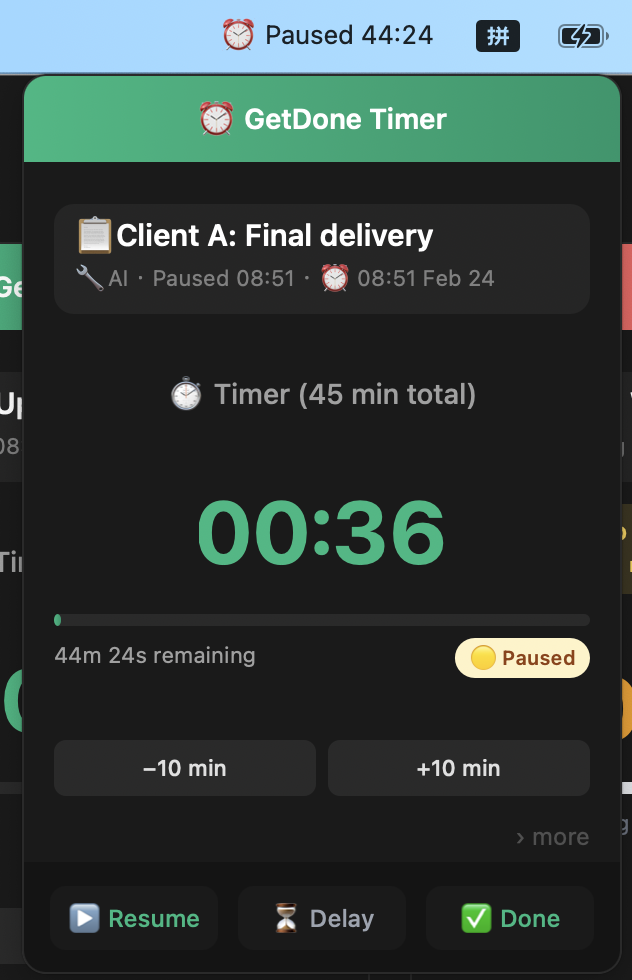
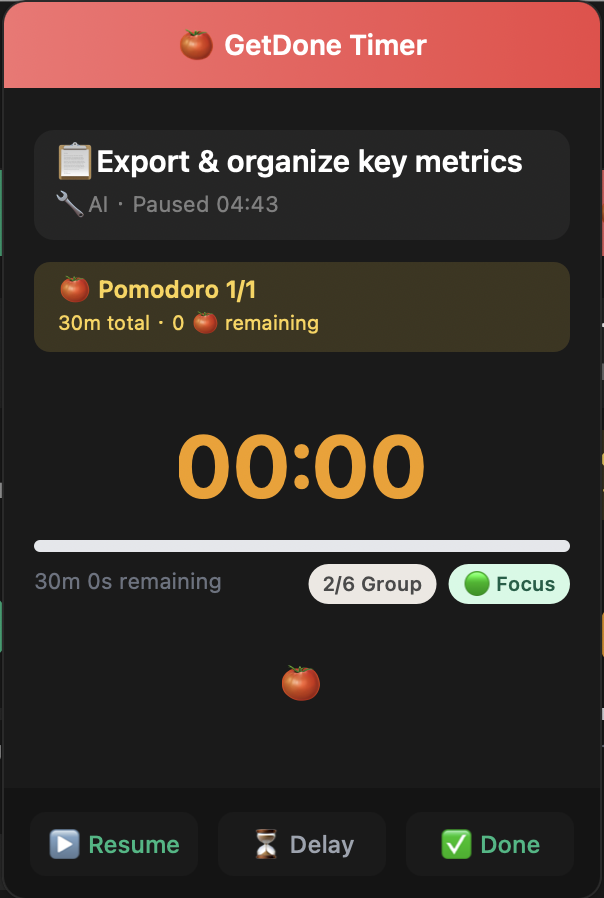
Menubar Timer Paused
06 Control
Full Control
Interrupted? Pause. Ready? Resume. Your plan stays on track all day.
Paused
Resume
Menubar
Plan Your Day
"The best AI isn't built into an app. It lives in your own conversations."
— The GetDone Timer design principle

Every built-in AI starts with: "Tell me about your project."

Every app with "built-in AI" has the same problem: its AI knows nothing about you. You say "plan my week" — it asks what you do, what your priorities are, what deadlines you have. Every. Single. Time.

But your favorite AI assistant? The one you've been talking to for months?

It already knows your projects. Your deadlines. Your working style. Your weak spots.

No built-in AI will ever have that context. And no app should charge you extra for something you already have.
GetDone Timer's answer
We didn't build another AI. We built a Private Bridge to yours.

Tap Copy Prompt. Paste it into Claude, ChatGPT, Gemini — whichever one already knows you. It plans your tasks using everything it already knows. Import the JSON result.

$0 extra AI cost. Use the AI you're already paying for — or a free one. No API keys required.

Your conversation stays in your AI platform. Your data never touches our servers. We never see it.
🧠 Full Context
$0 Extra Cost
🔒 Zero Data Shared
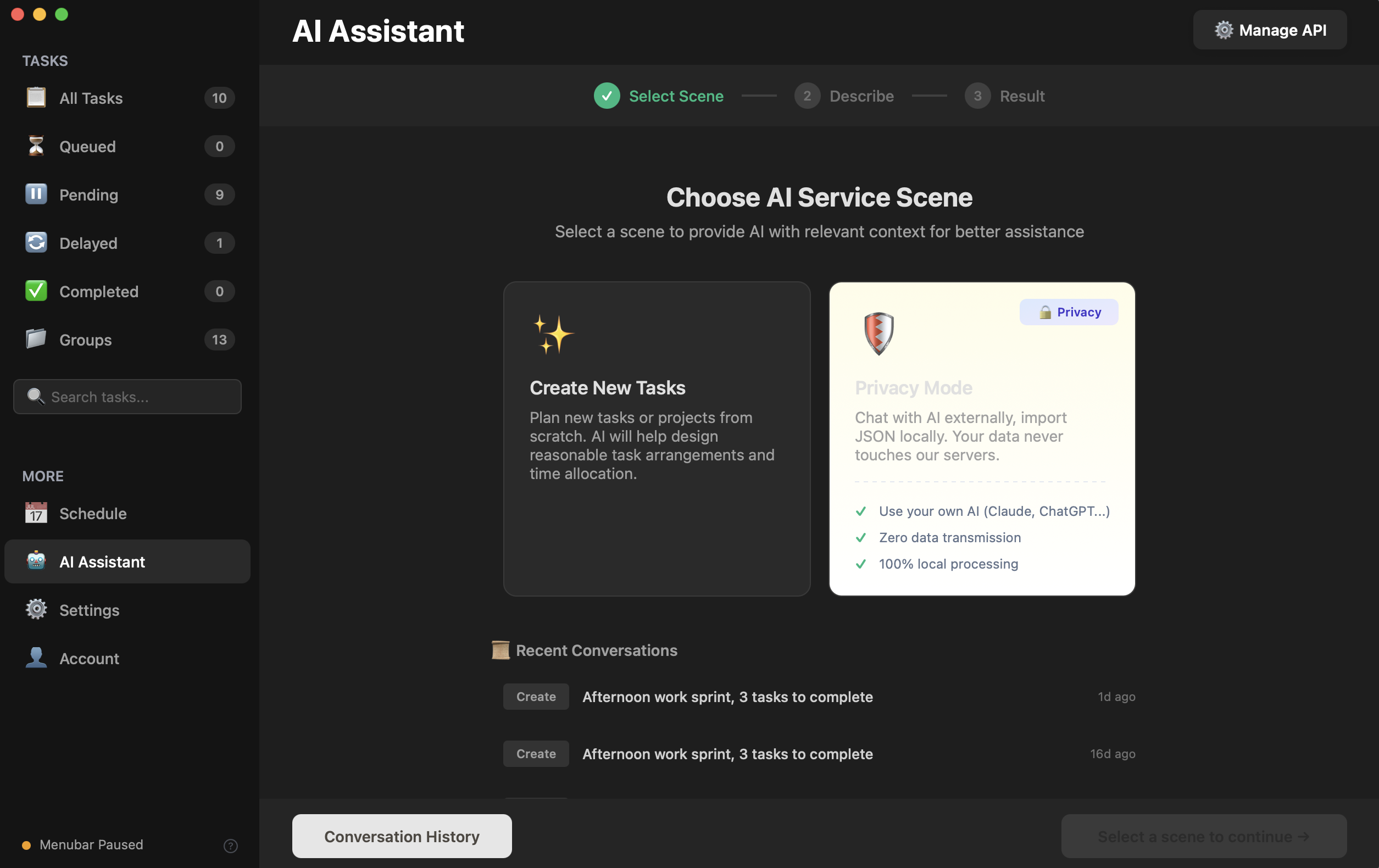
1 Choose Privacy Mode
Privacy Mode
Your data never touches our servers. 100% local processing.
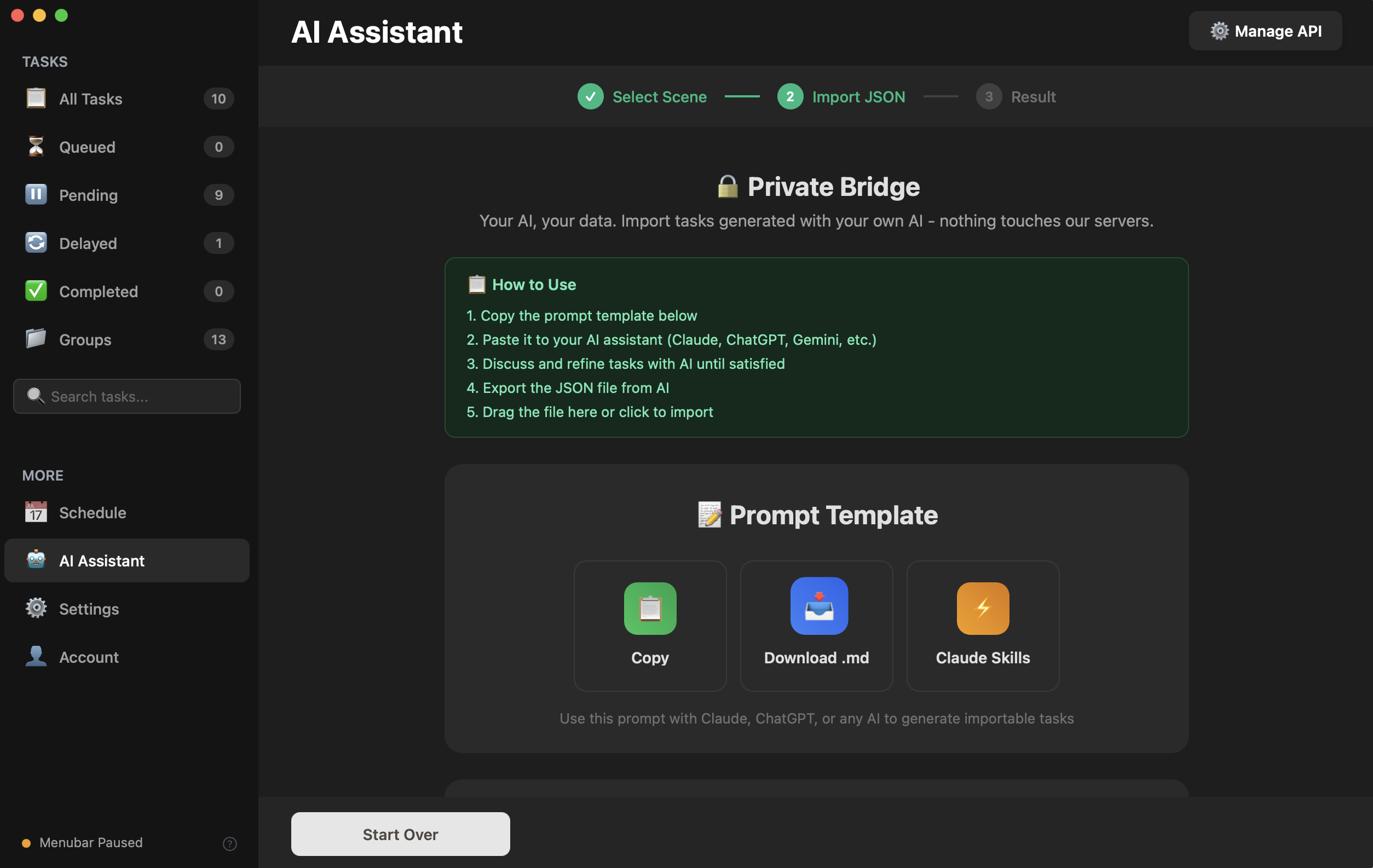
2 Copy Smart Prompt
Copy Prompt
One tap. A carefully crafted task-planning prompt is on your clipboard.
3 Paste into YOUR AI
Why this is powerful:
💬 Your AI already knows your projects
📅 It remembers your deadlines & priorities
🎯 It understands your working style
🔄 It builds on months of conversation history
Works with: Claude · ChatGPT · Gemini · any AI
No built-in AI will ever have this context.
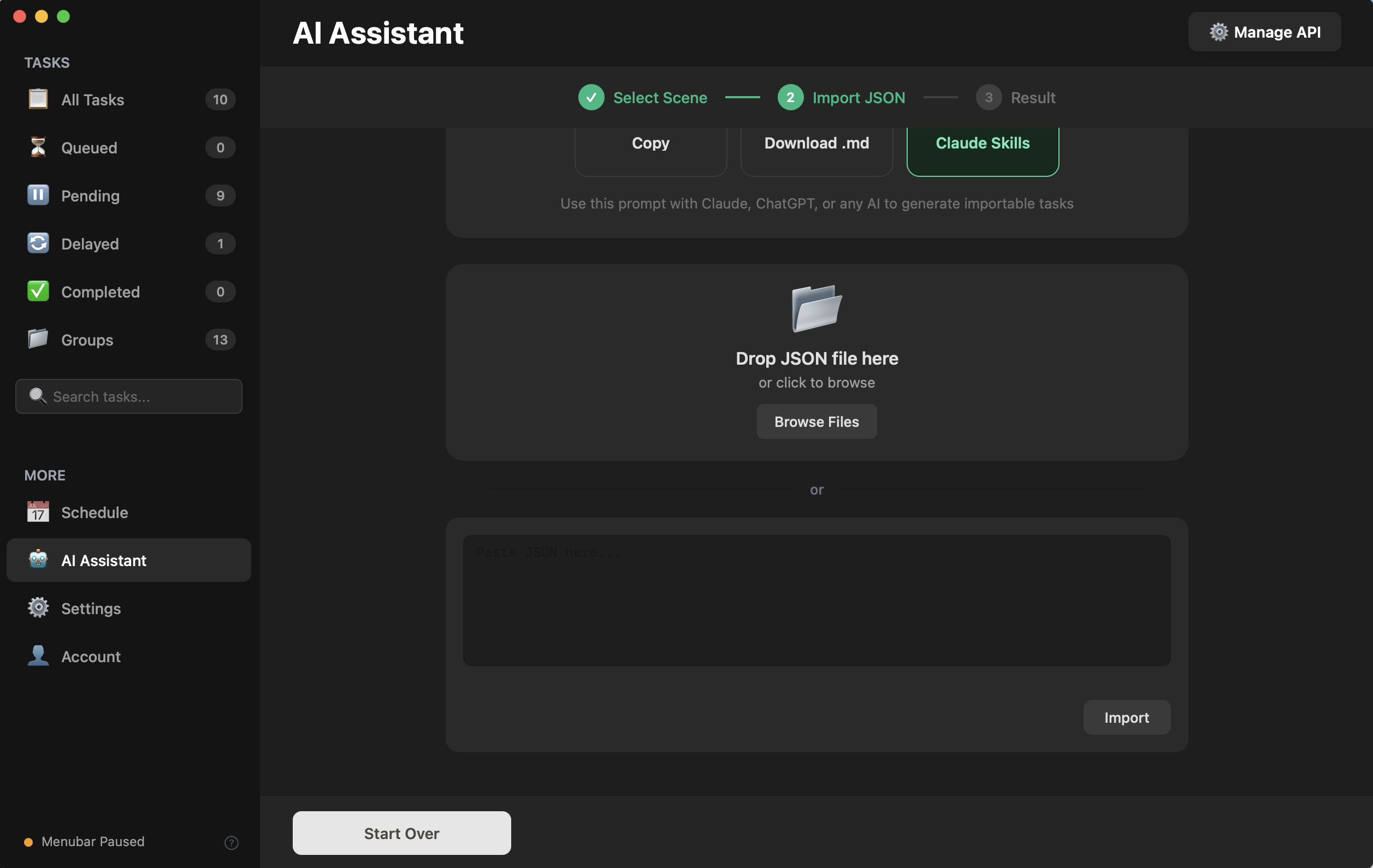
4 Import JSON
Import JSON
Drop the file or paste JSON. One click to import.
5 Plan is Ready!
Plan Ready
Tasks, groups, schedules, notes — all generated by your AI, imported in seconds.
"The most powerful feature isn't always the most expensive. Sometimes it hides behind a single Copy button."
— The GetDone Timer design principle

He scrolled through his subscriptions. Three pages.

Settings → Subscriptions. Scroll. Scroll. Scroll.

Cloud storage, music, app bundles, password managers, that focus app he used twice, that task manager with the nice icon...

Then he saw a beautifully designed Pomodoro app online. Deep analytics. Great UI. $39.99/year. No lifetime option.

He'd bought a great task app for $60 four years ago. Still works. Still great. That feeling of owning your tool — no subscription can replicate it.
GetDone Timer's answer
$19.95. One time. Yours forever. Early bird: $9.95 — invite 3 friends to unlock.

Pomodoro + Free Timer + Task Management + Schedule Planner + AI Assistant + Statistics. Native macOS. No Electron.

This isn't a stripped-down version. It's a full-featured app from an indie developer who believes good tools shouldn't be a recurring expense.

Your subscription page is long enough.
Pomodoro Timer Market
Timer App A $39.99/year
Timer App B $39.99/year
Task Manager C $35.99/year
GetDone Timer $19.95 forever
All prices as of Feb 2026 · Mac App Store
"The safest data isn't 'we protect it.' It's 'we never see it.'"
— The GetDone Timer design principle
Privacy Is Architecture, Not A Promise

We can't see your data. By design.

💻

Tasks stay on your Mac

Task names, time logs, completion data — saved locally. Not synced to any cloud. Not analyzed by any server. On your hard drive.

🔑

Your AI, your conversation

Copy Prompt sends nothing through us. Your planning conversation happens between you and your AI platform. We receive only the final task JSON.

🛡️

BYOK for direct API

Want to use the built-in AI? Bring your own API key. Stored in macOS Keychain. Requests go direct to your provider. Zero middlemen.

See It In Action

Real plans. Real people.

These aren't hypothetical. These are actual task plans generated by AI — ready to import and start.

01
The Problem
3 clients. 15 tasks. No system.
Client A needs a mobile mockup by Wednesday. Client B wants 3 blog articles by Monday. Invoices are due Friday. Last month you used 3 separate apps. None talked to each other.
1/11
01The Problem
💻
Freelancer's Monday Morning
🎨
Client A
Due Wed
✏️
Client B
Due Mon
💼
Admin
Due Fri
"I have three deadlines this week and I don't know which one to start with..."
02Client A
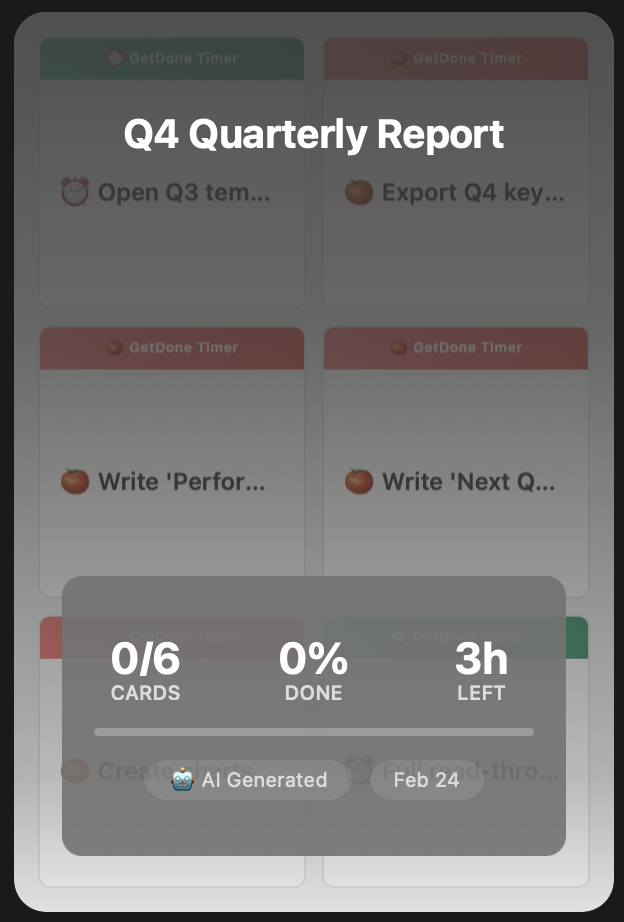
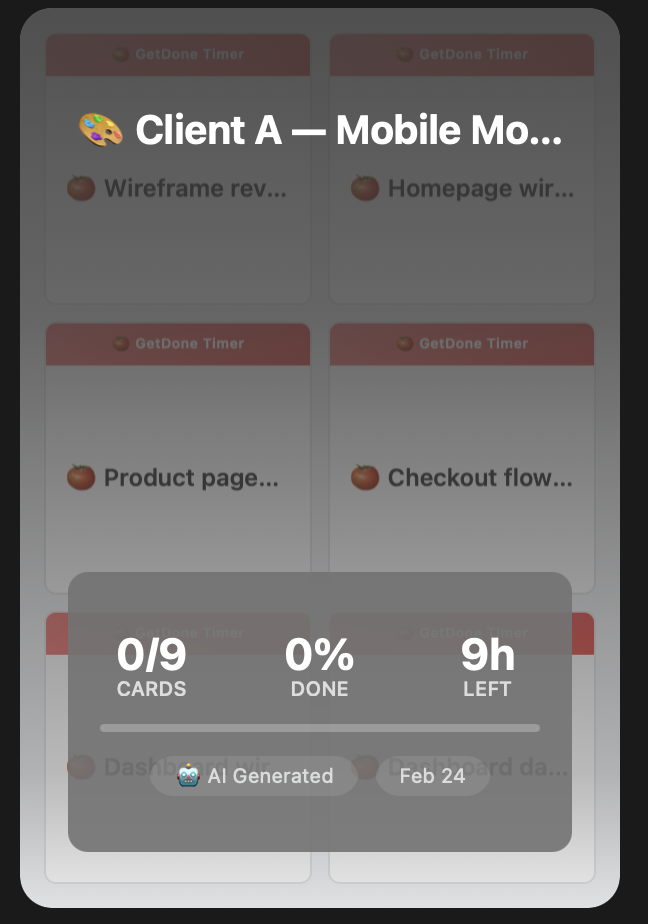
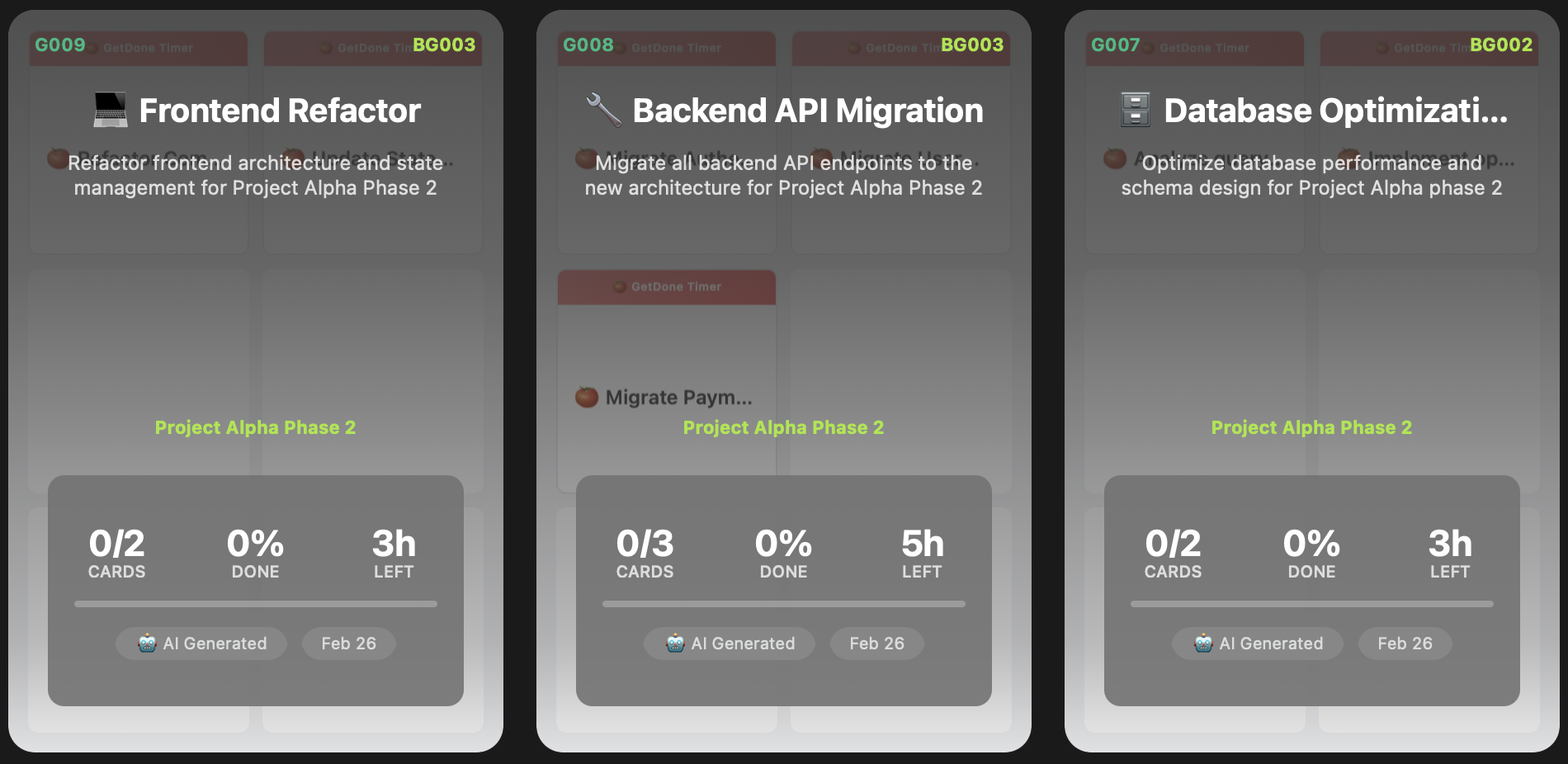
Client A — Mobile Mockup group card
03Client A
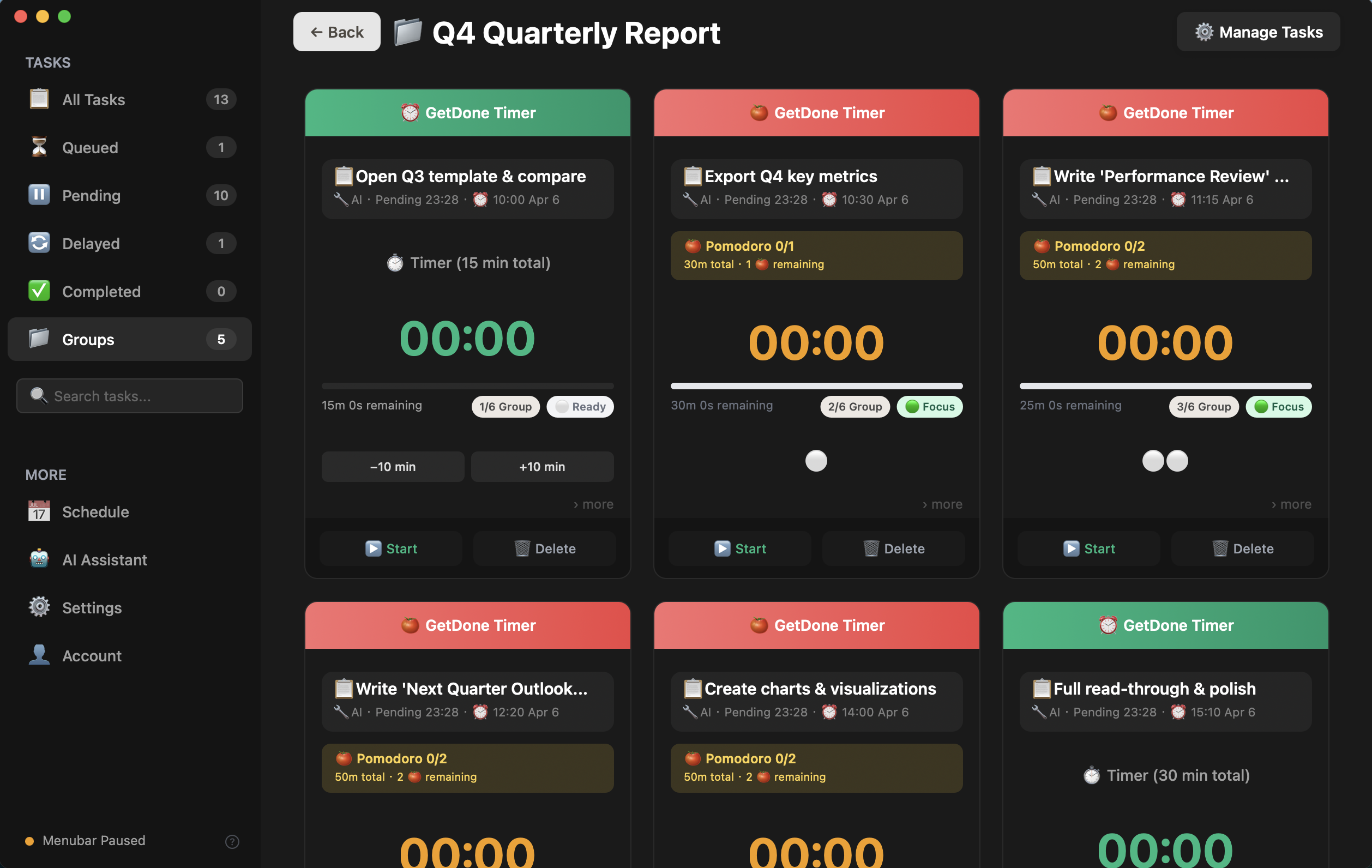
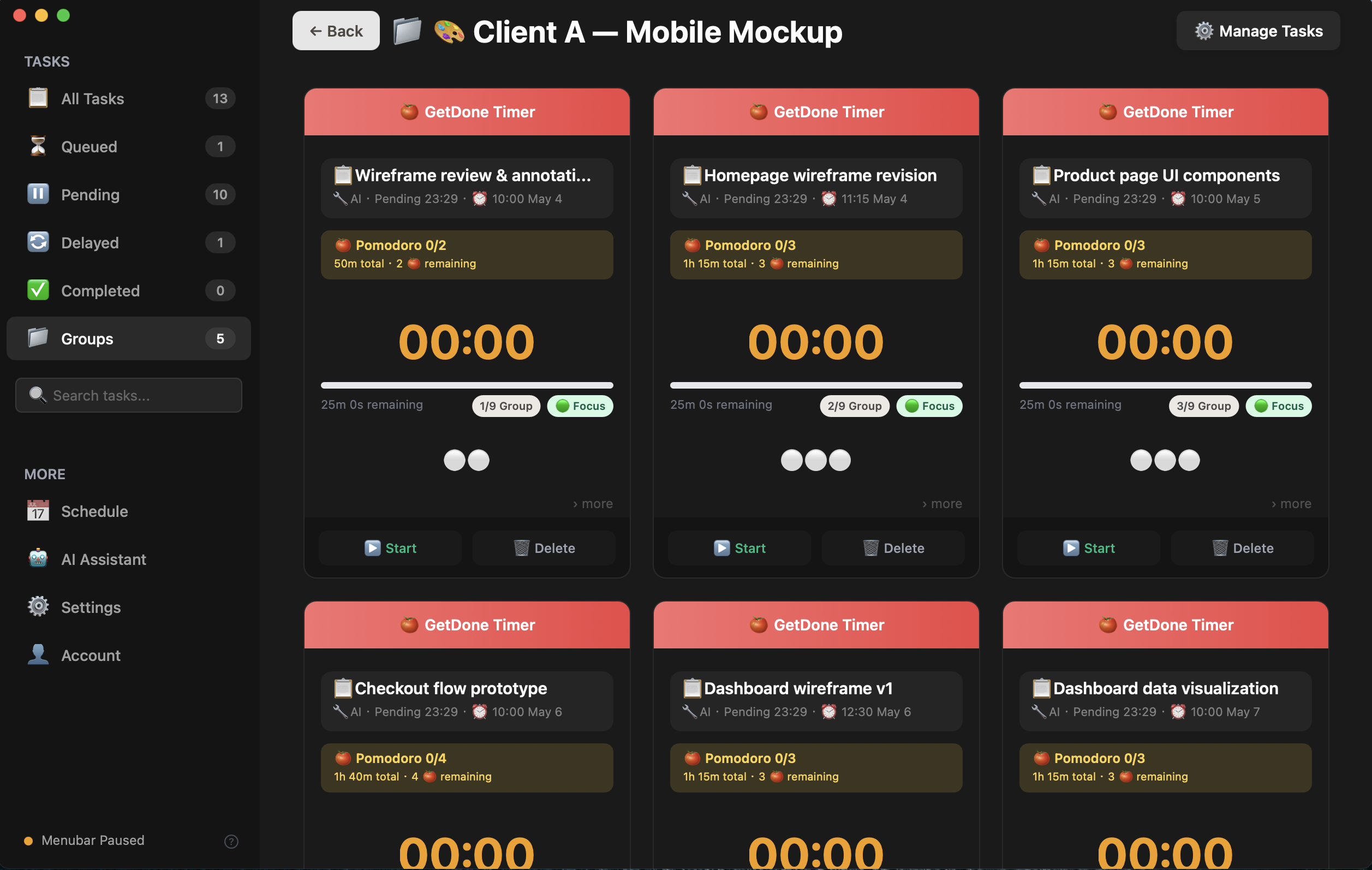
Client A — all 9 tasks
04Task Details
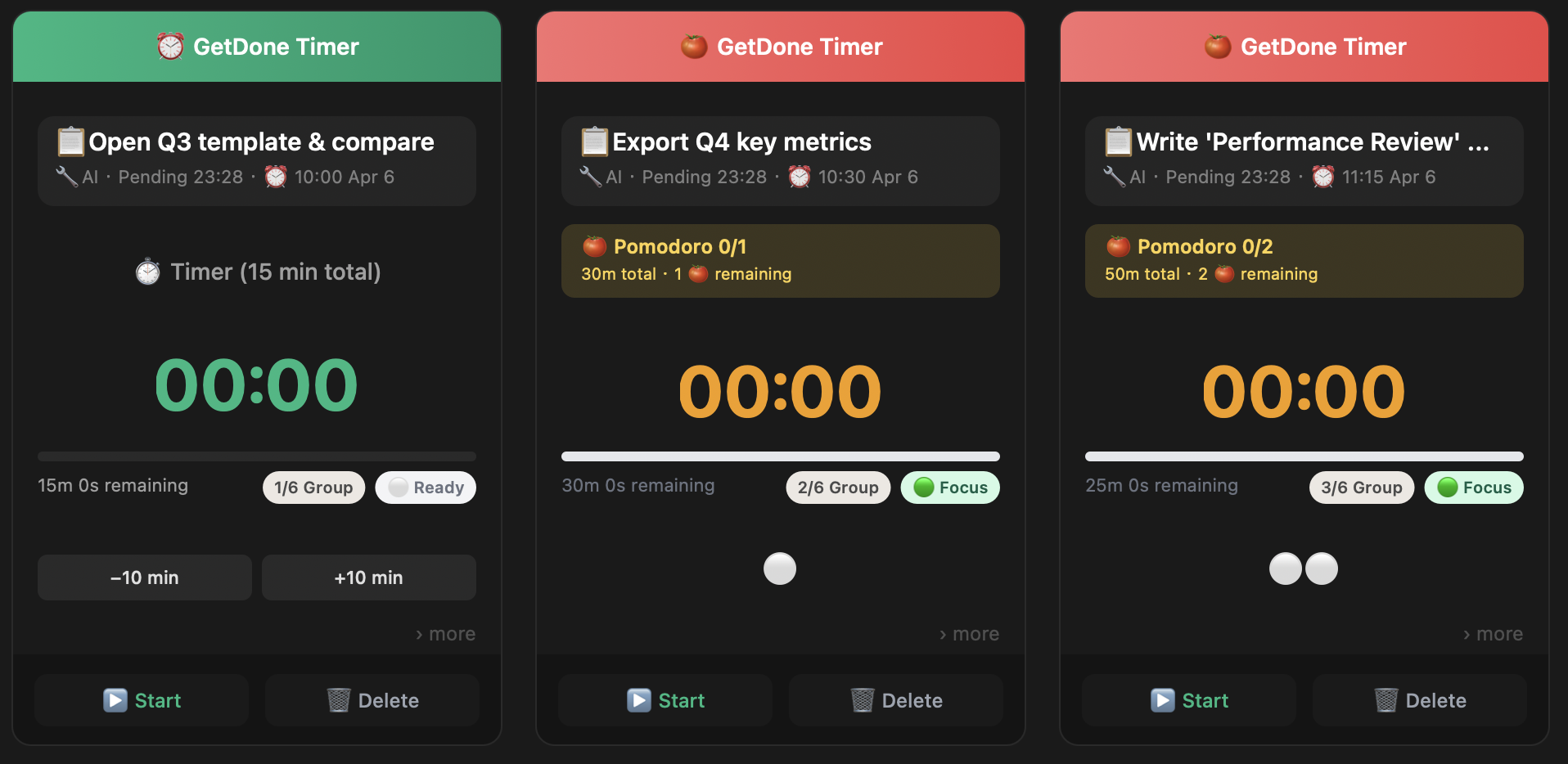
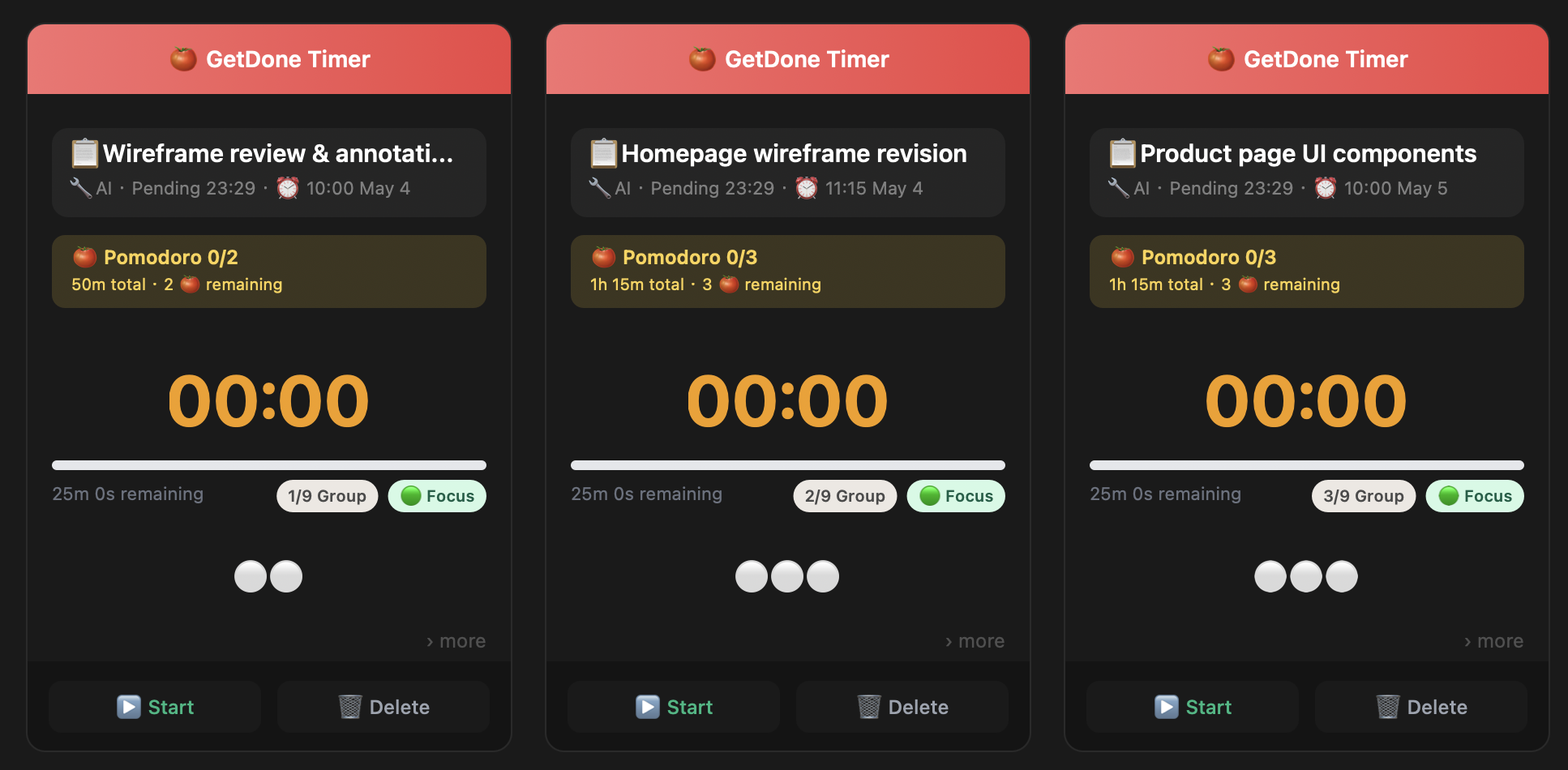
Client A cards — wireframe, homepage, product page
05Task Details
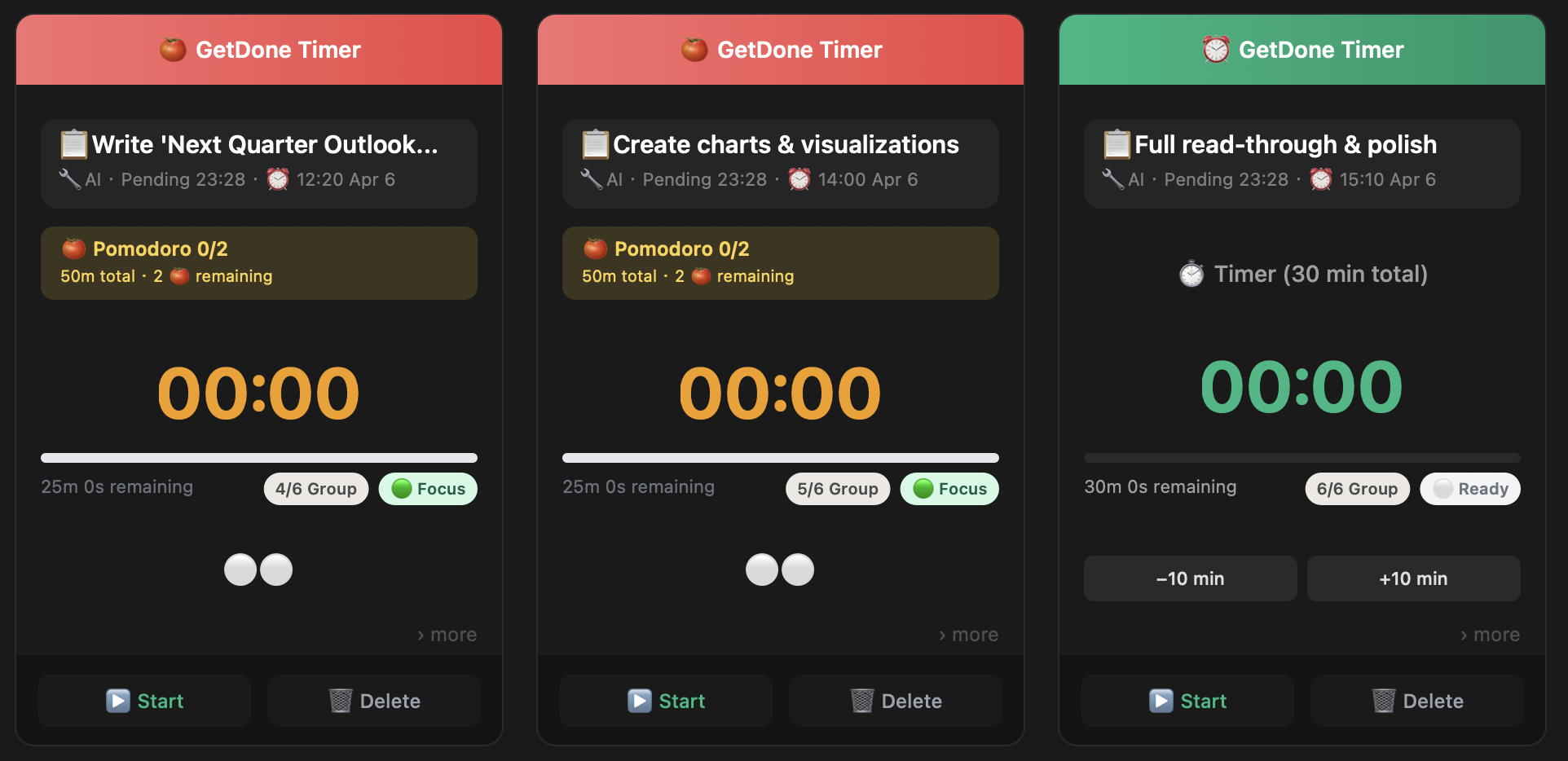
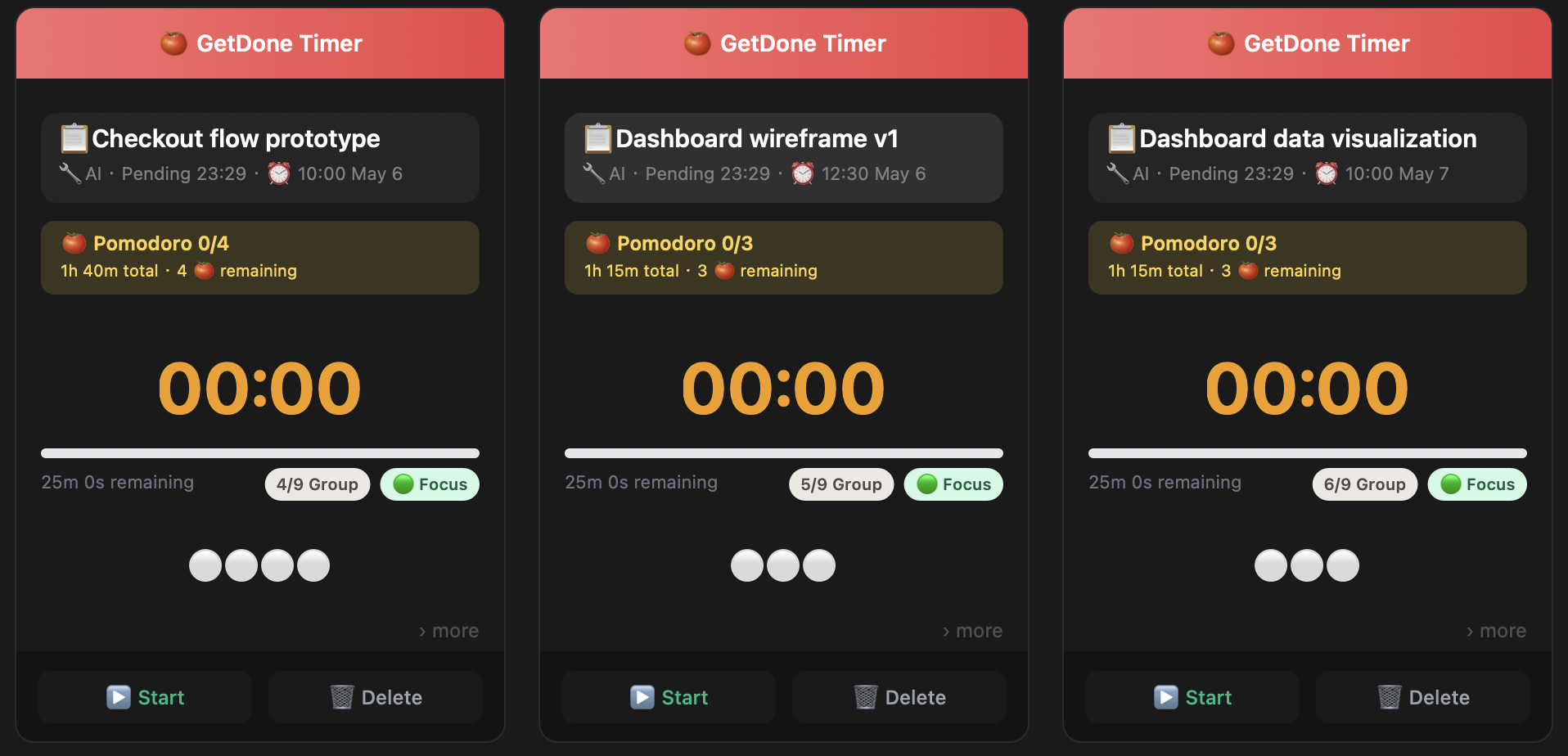
Client A cards — checkout, dashboard wireframe, data viz
06Client B
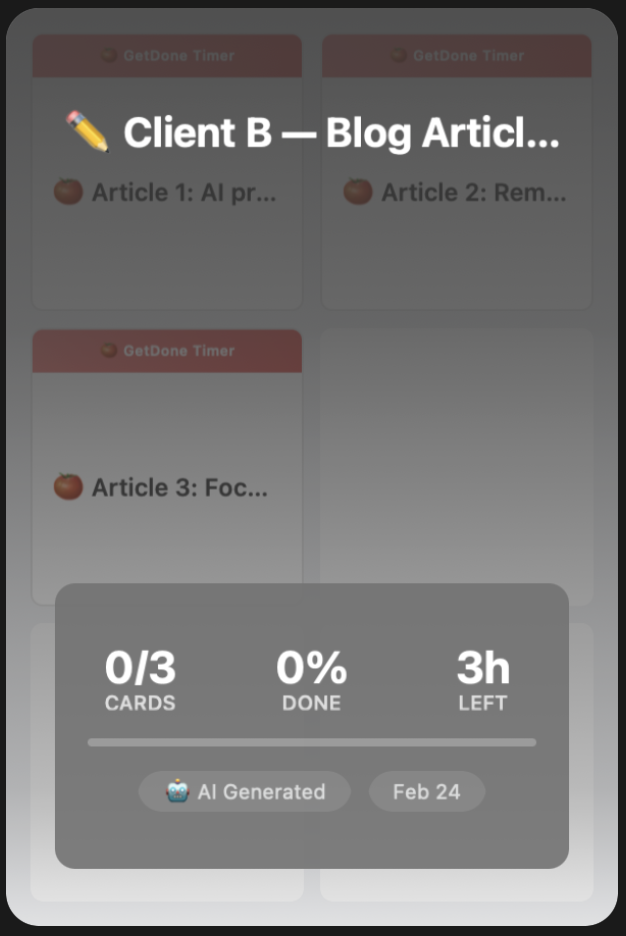
Client B — Blog Articles group card
07Client B
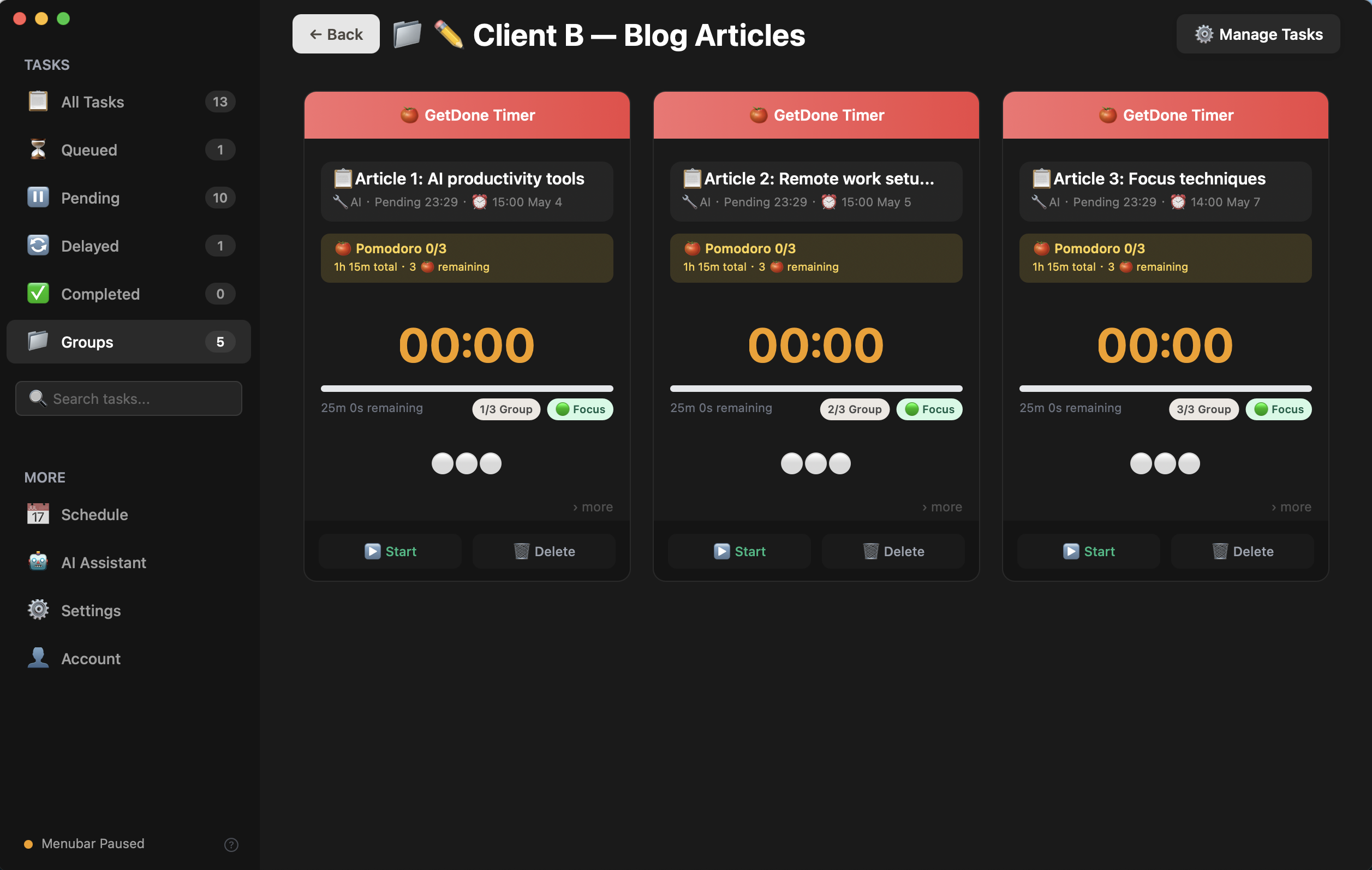
Client B — 3 article tasks
08Admin
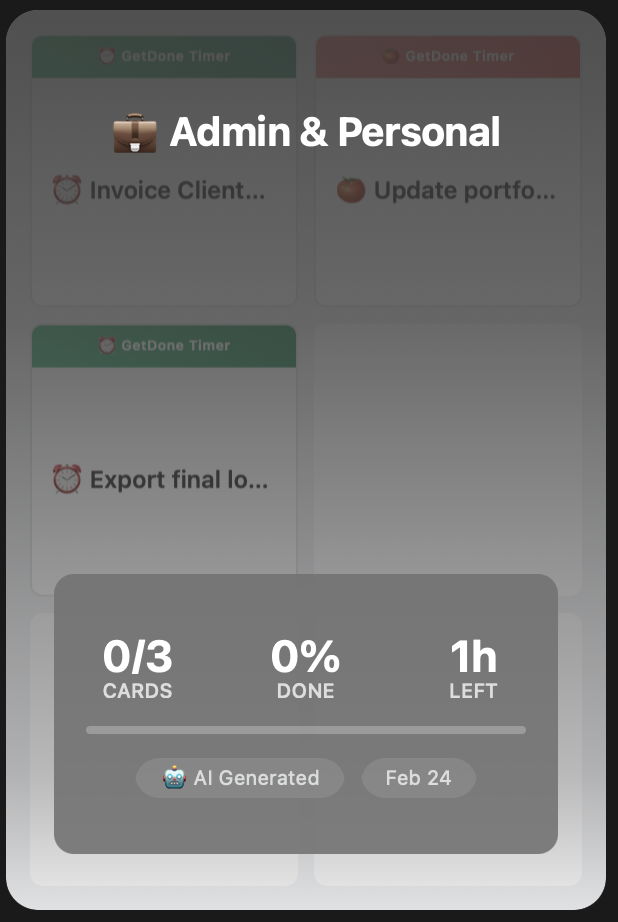
Admin & Personal group card
09Admin
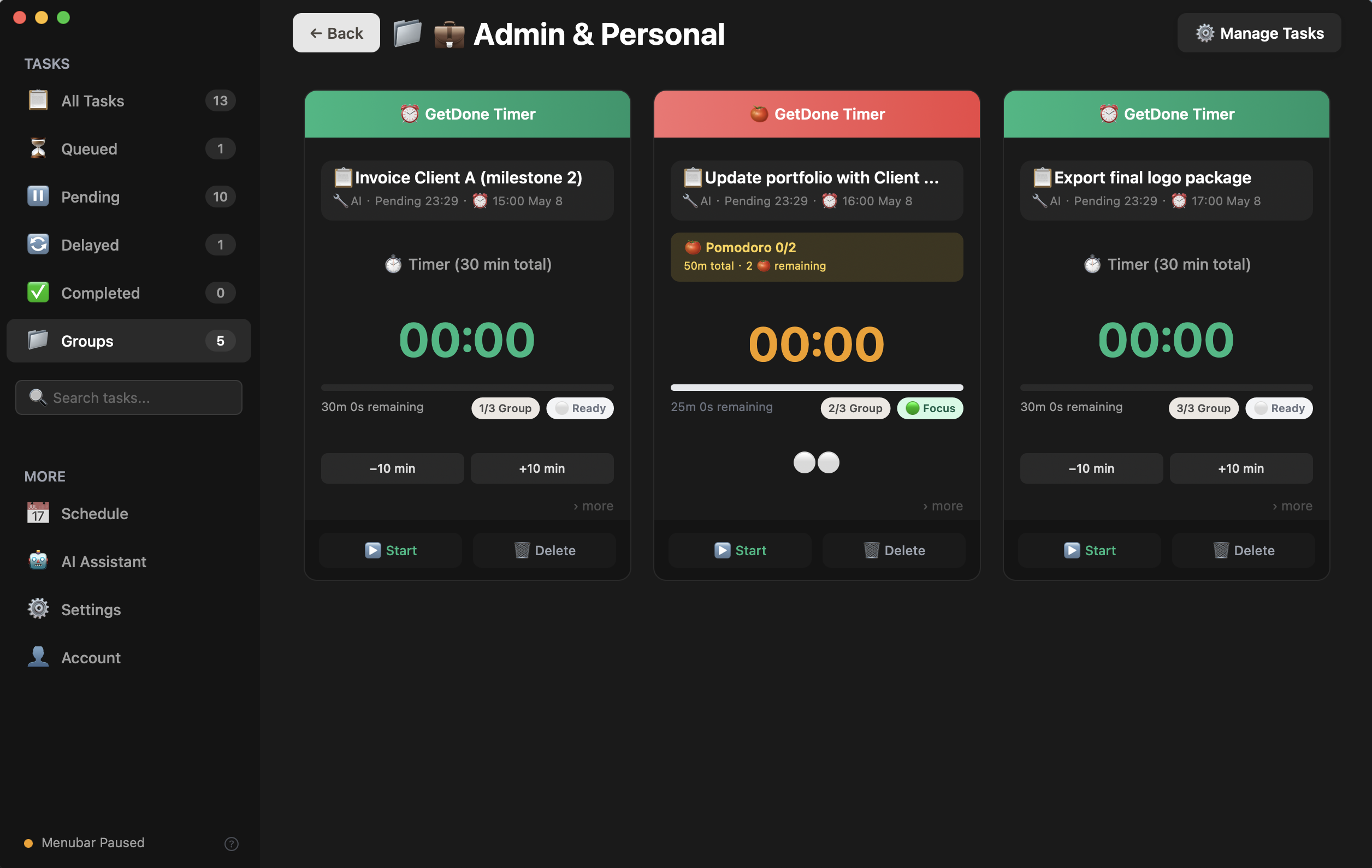
Admin — invoice, portfolio, export
10Week View
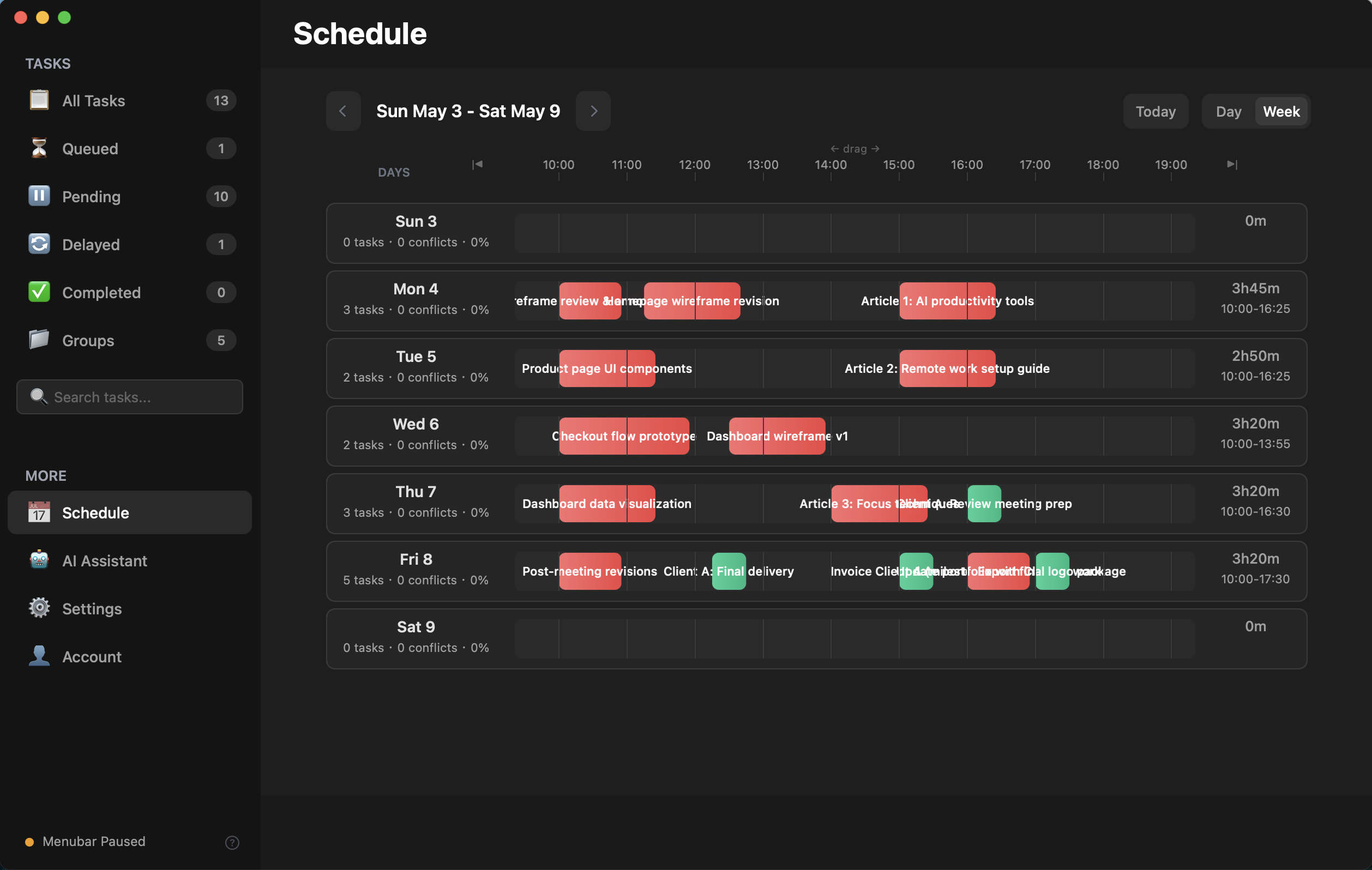
Week schedule — all 3 clients
11Done!
All 3 Clients — On Time, Every Week
From chaos to clarity. One AI prompt, three organized groups.
3
Client Groups
15
Tasks Planned
12h
Week Tracked
"Which client do I start with?" "I know exactly what's next."
01
The Problem
6 courses. 10 days. Zero plan.
Finals countdown: Calculus, Linear Algebra, Data Structures, English, Probability, Discrete Math. Your tree-planting app shows 200 trees this semester. But trees don't know you haven't started Chapter 7.
1/12
01The Problem
📚
10 Days Until Finals
📐 Calculus
🔢 Linear Algebra
🌳 Data Structures
📝 English
🎲 Probability
🧮 Discrete Math
"I have six exams and I don't know which one to study first..."
02AI Plan
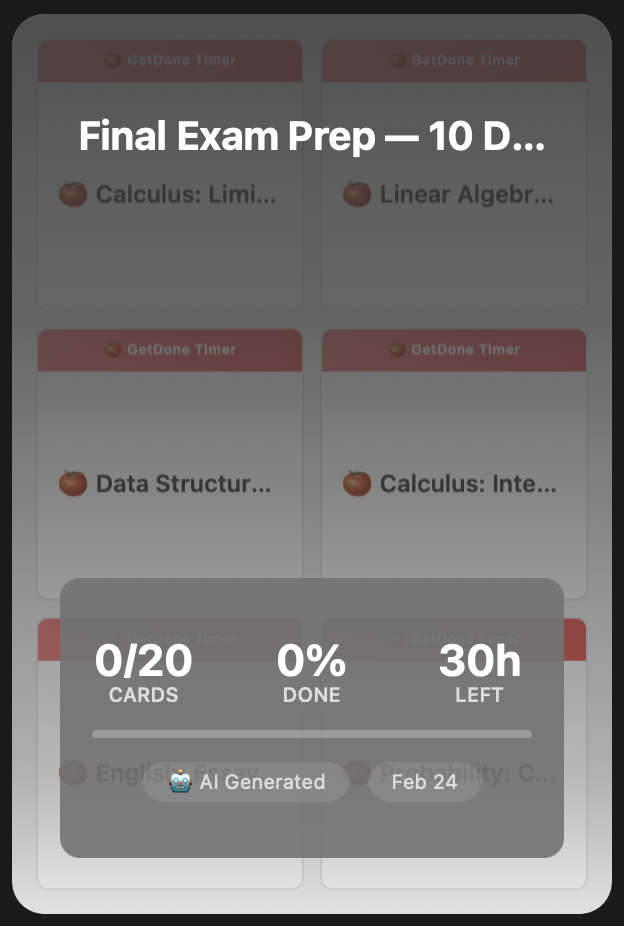
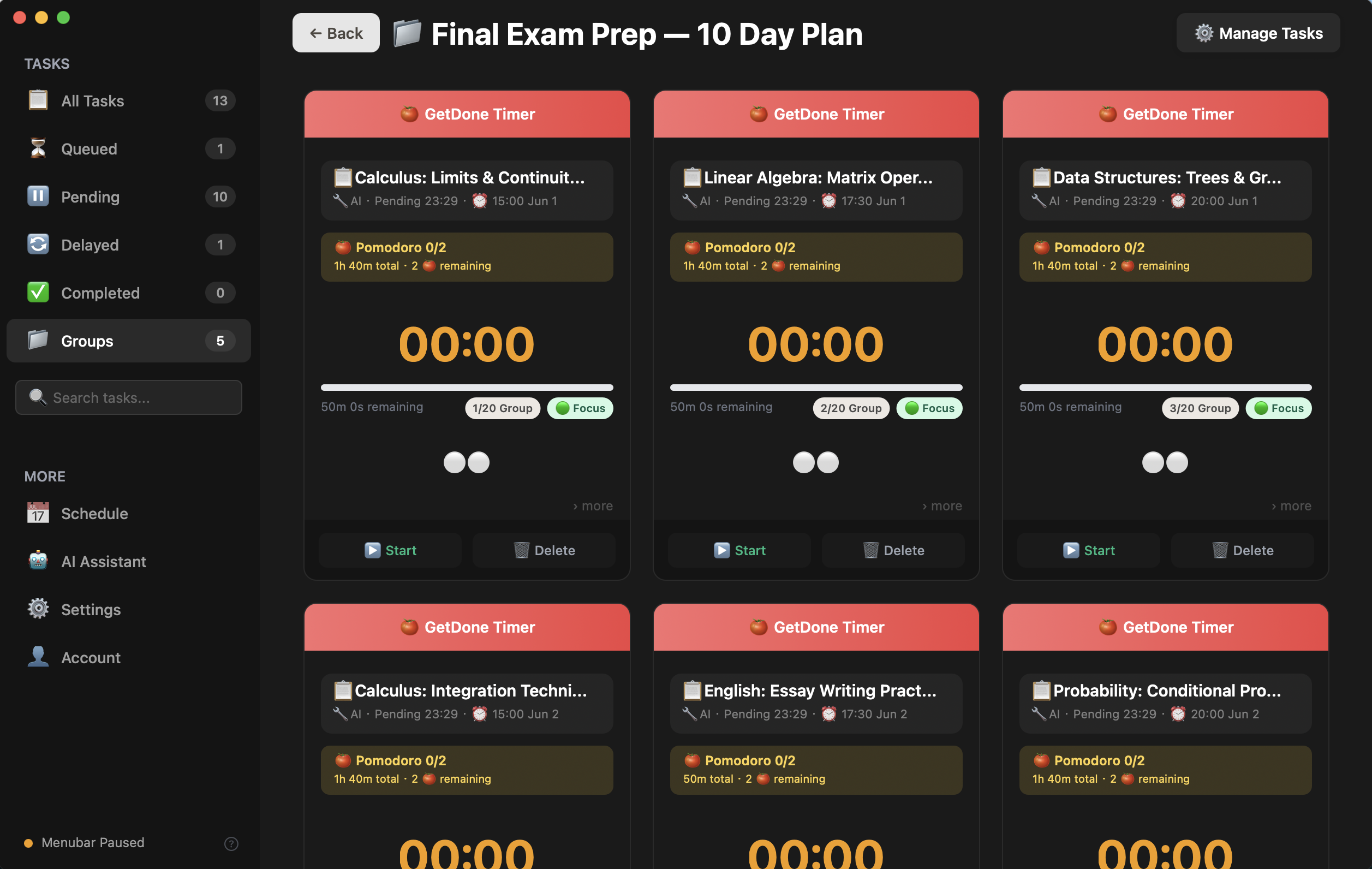
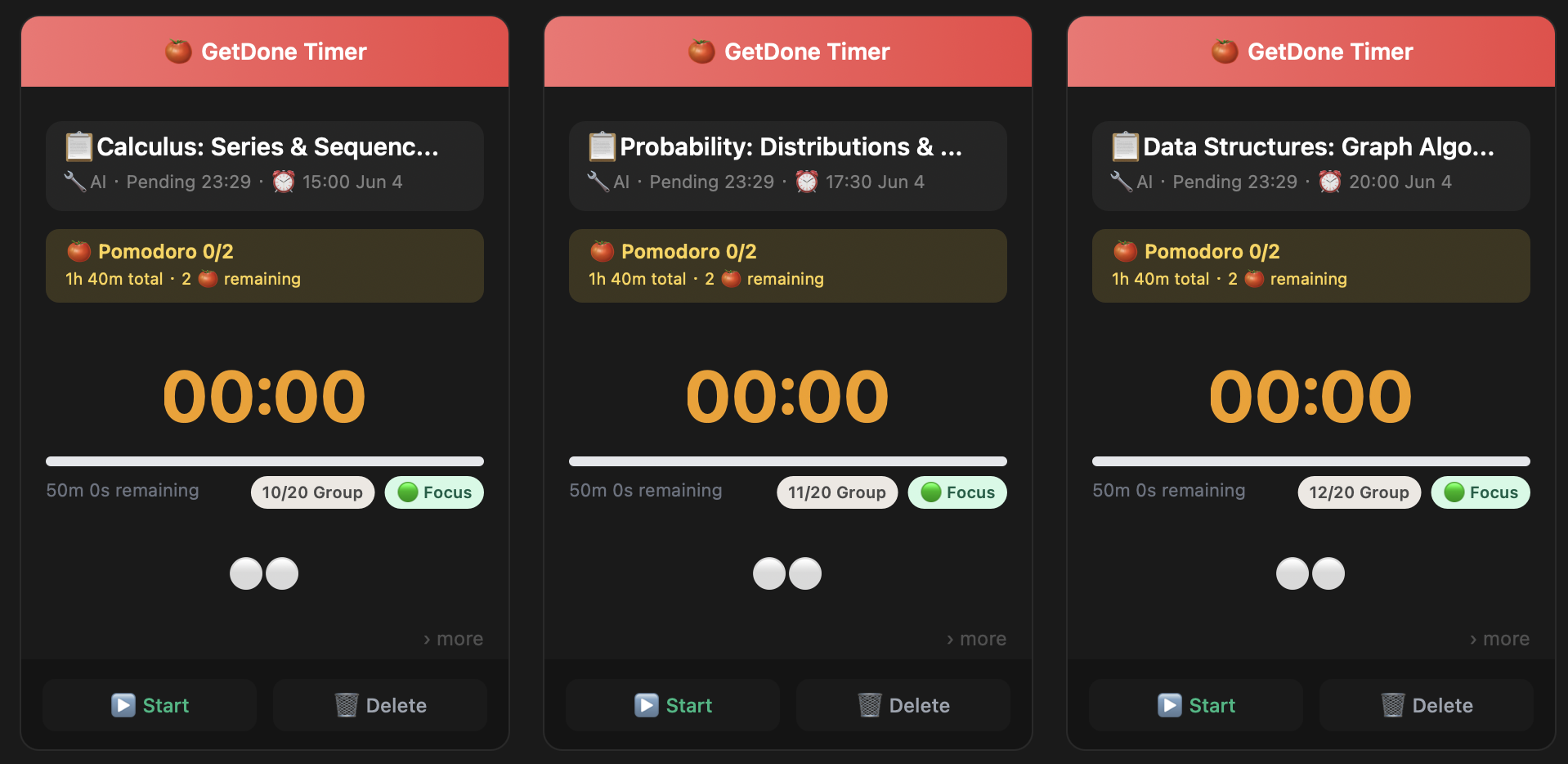
Final Exam Prep group card — 20 sessions, 30h
03AI Plan
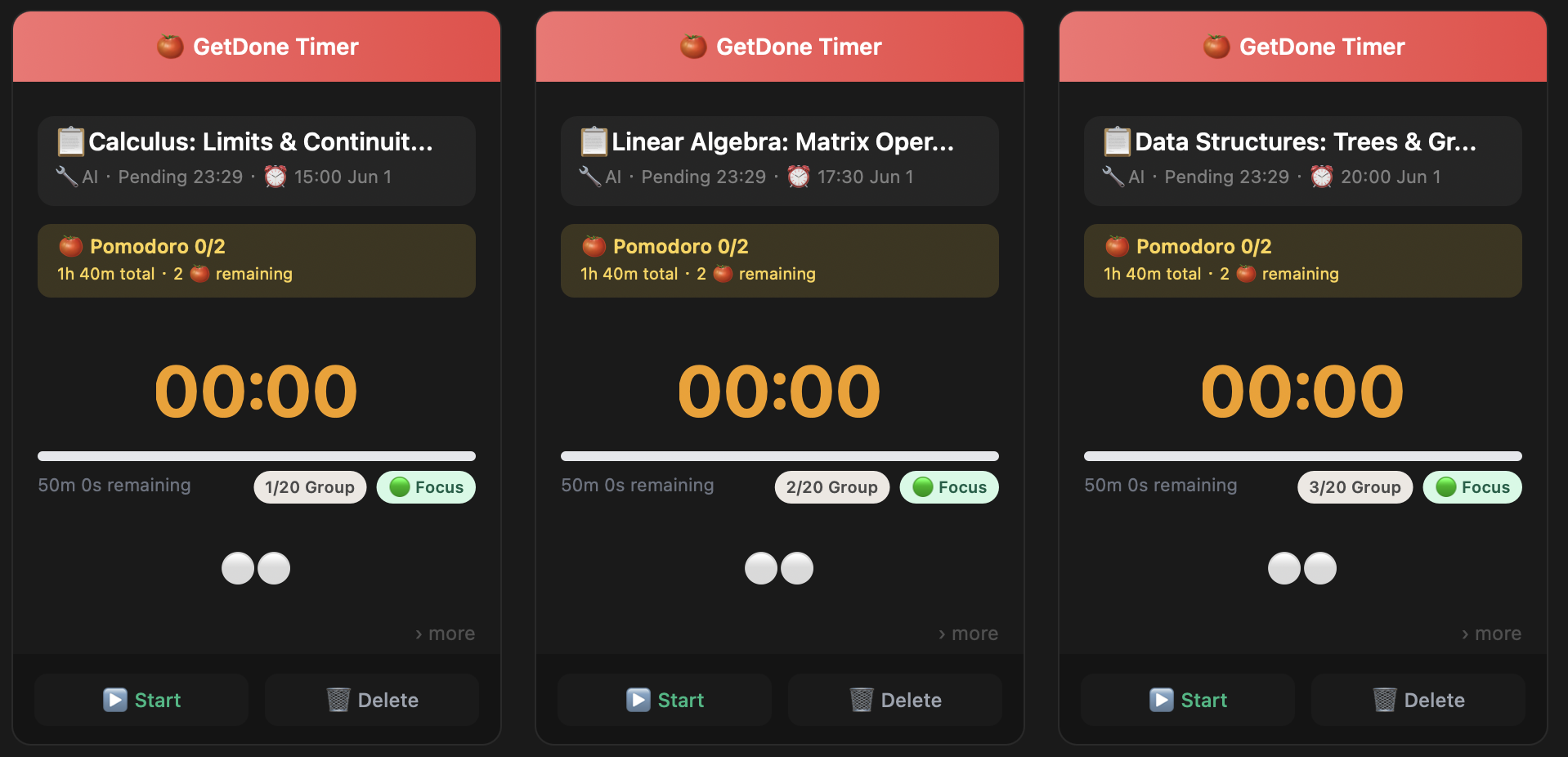
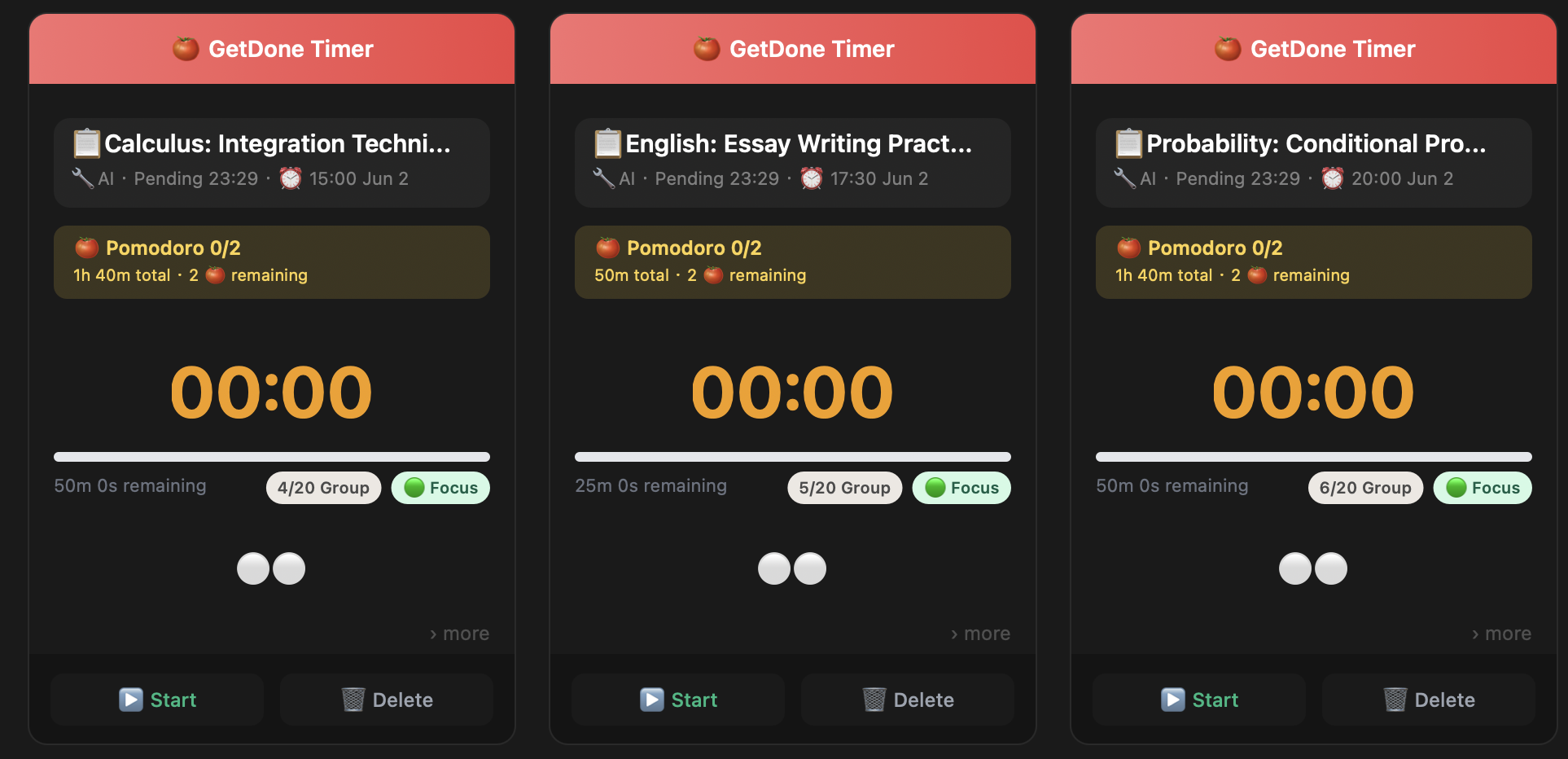
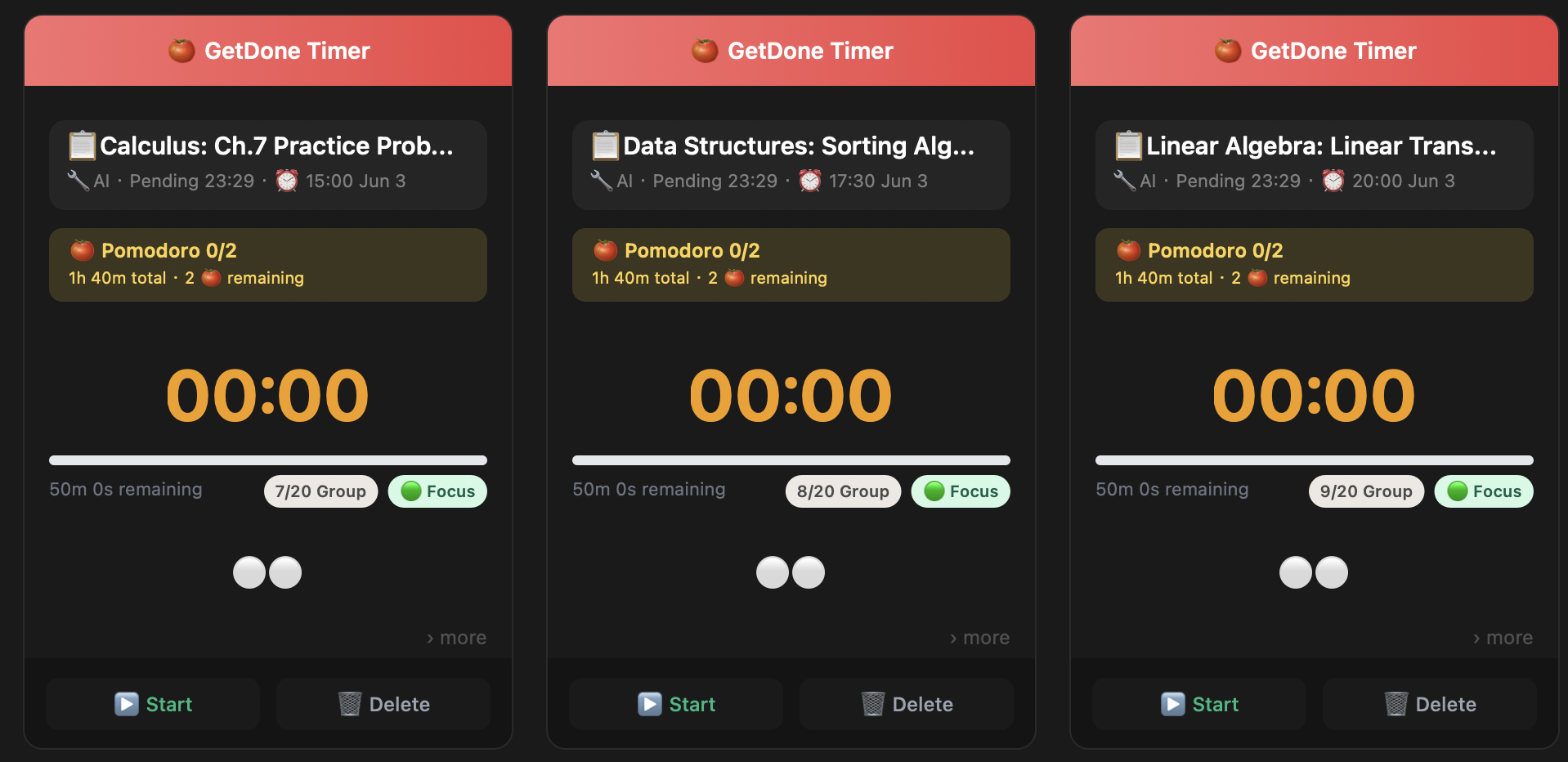
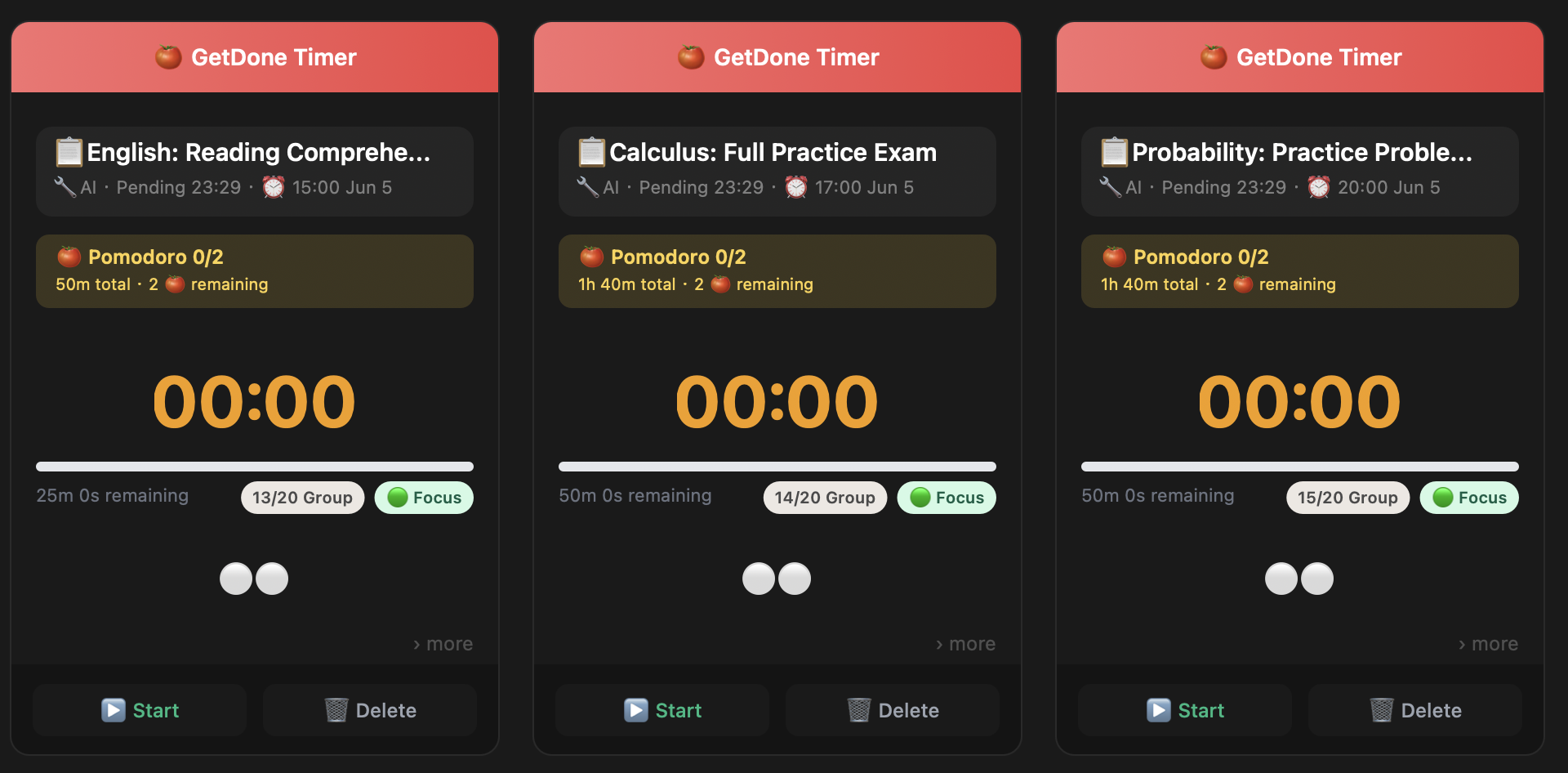
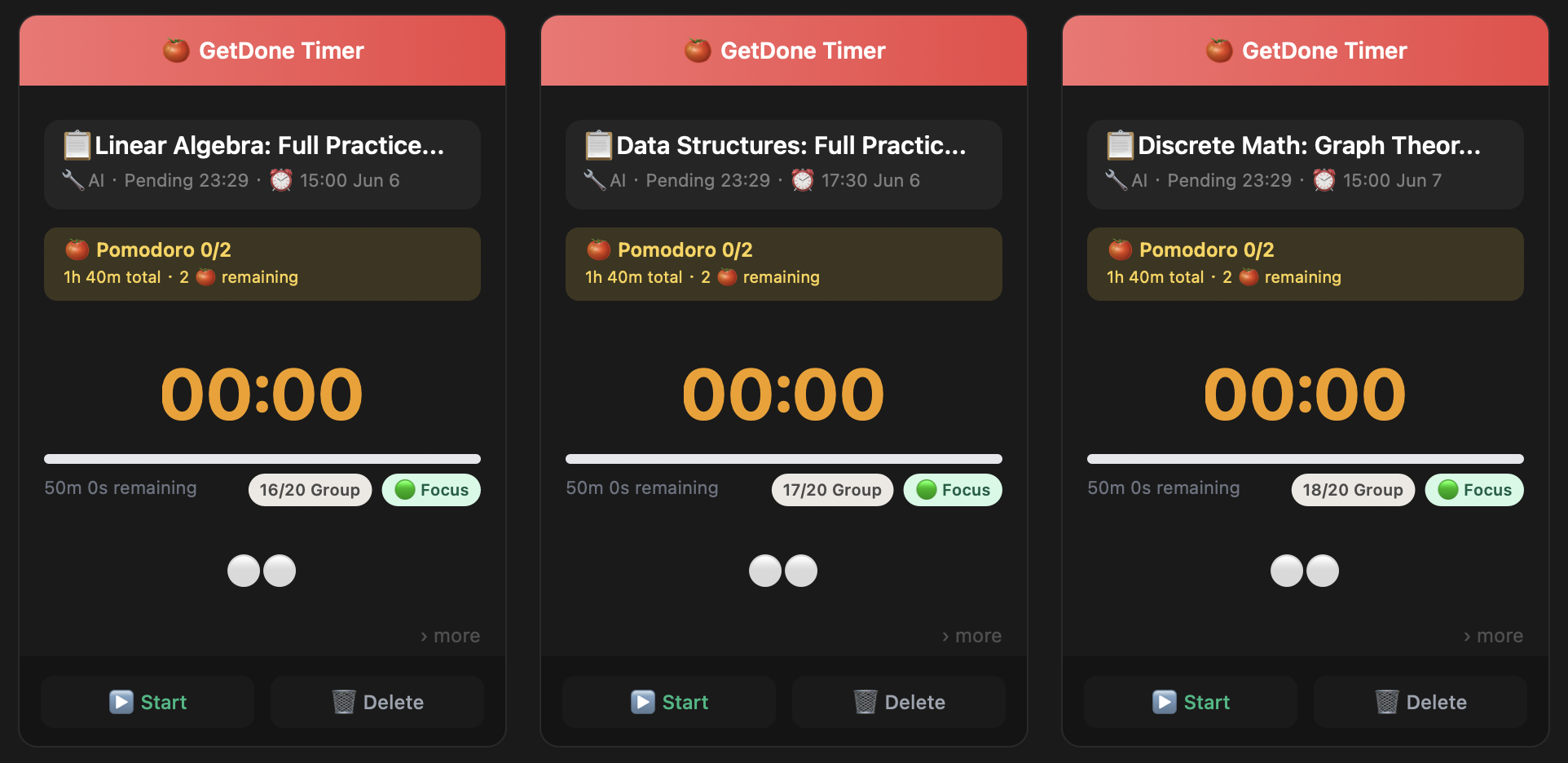
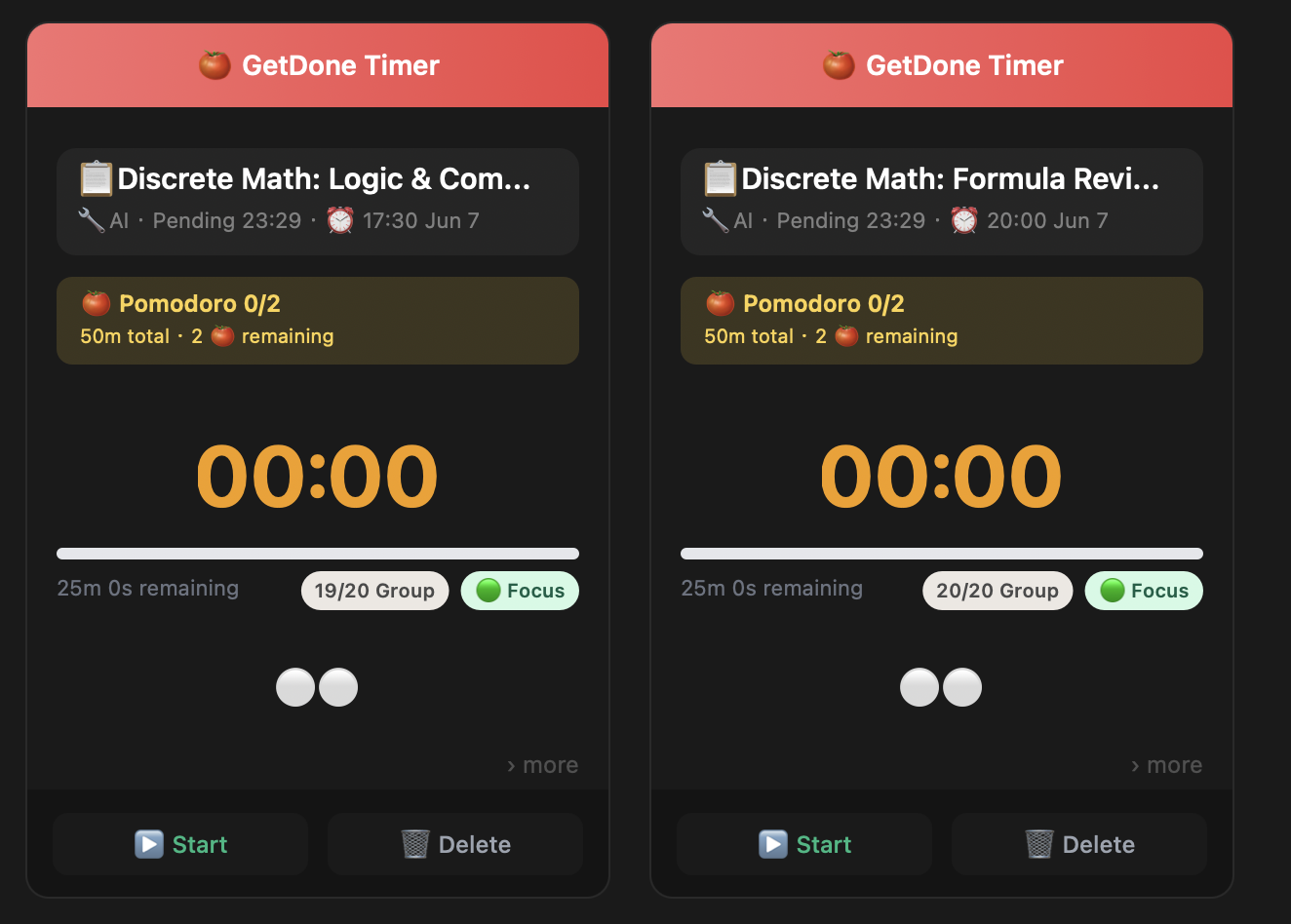
All 20 study sessions
04Day 1
Day 1 — Calculus, Linear Algebra, Data Structures
05Day 2
Day 2 — Calculus, English, Probability
06Day 3
Day 3 — Calculus Practice, Sorting, Linear Transformations
07Day 4
Day 4 — Series, Distributions, Graph Algorithms
08Day 5
Day 5 — Reading Comprehension, Calculus Full Exam, Probability Practice
09Days 6–7
Days 6-7 — Practice exams and Discrete Math
10Day 7
Last 2 sessions — Discrete Math 19/20, 20/20
11Week View
Week schedule — all courses color-coded
12Done!
Ready for Finals
From panic to prepared. One AI prompt, one organized study plan.
6
Courses
20
Study Sessions
30h
Focused Review
"Which course do I study first?" "Day 1: Calculus, 2 PM. Let's go."
How It Works

Two ways in. Zero friction.

Start simple with manual tasks, or let your AI plan the whole week. Both paths lead to the same place: getting things done.

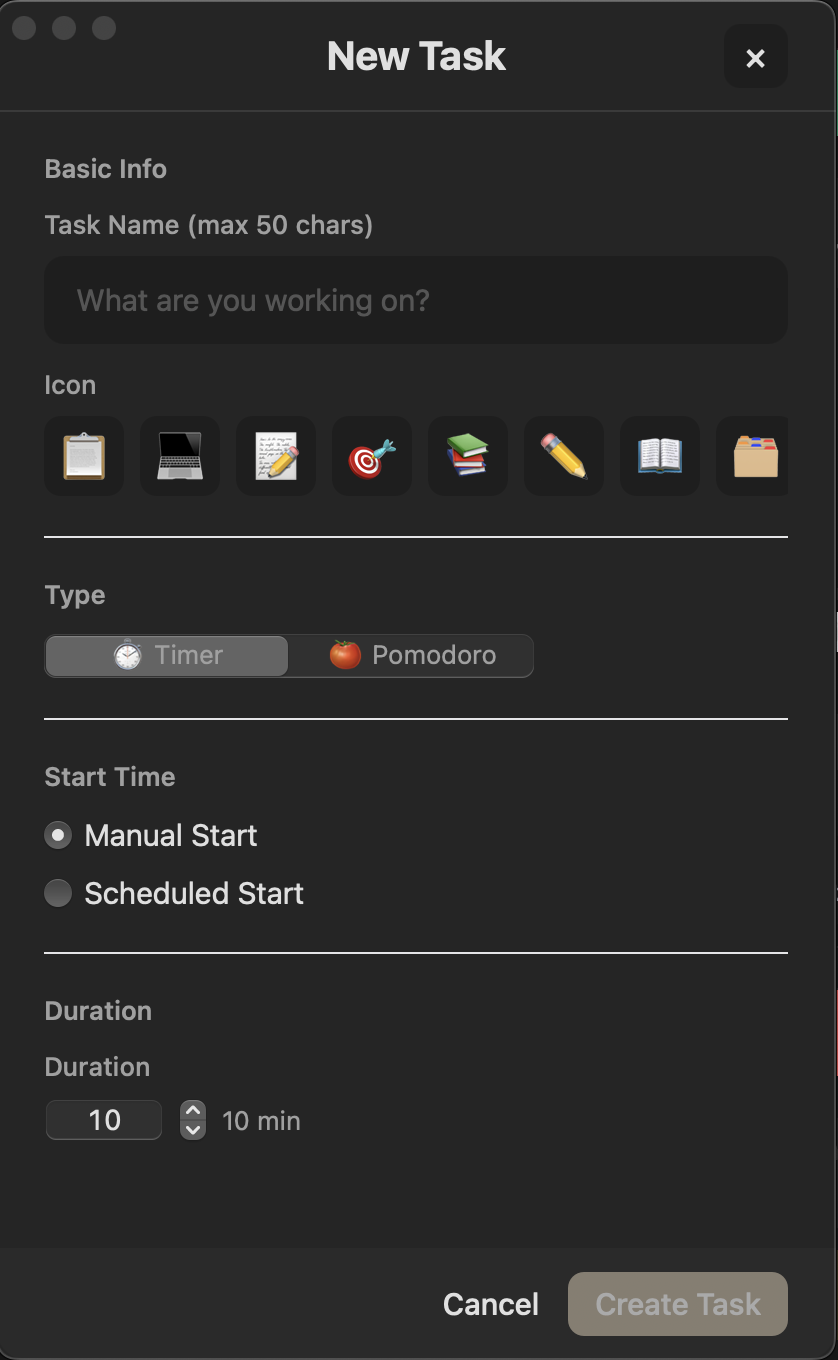
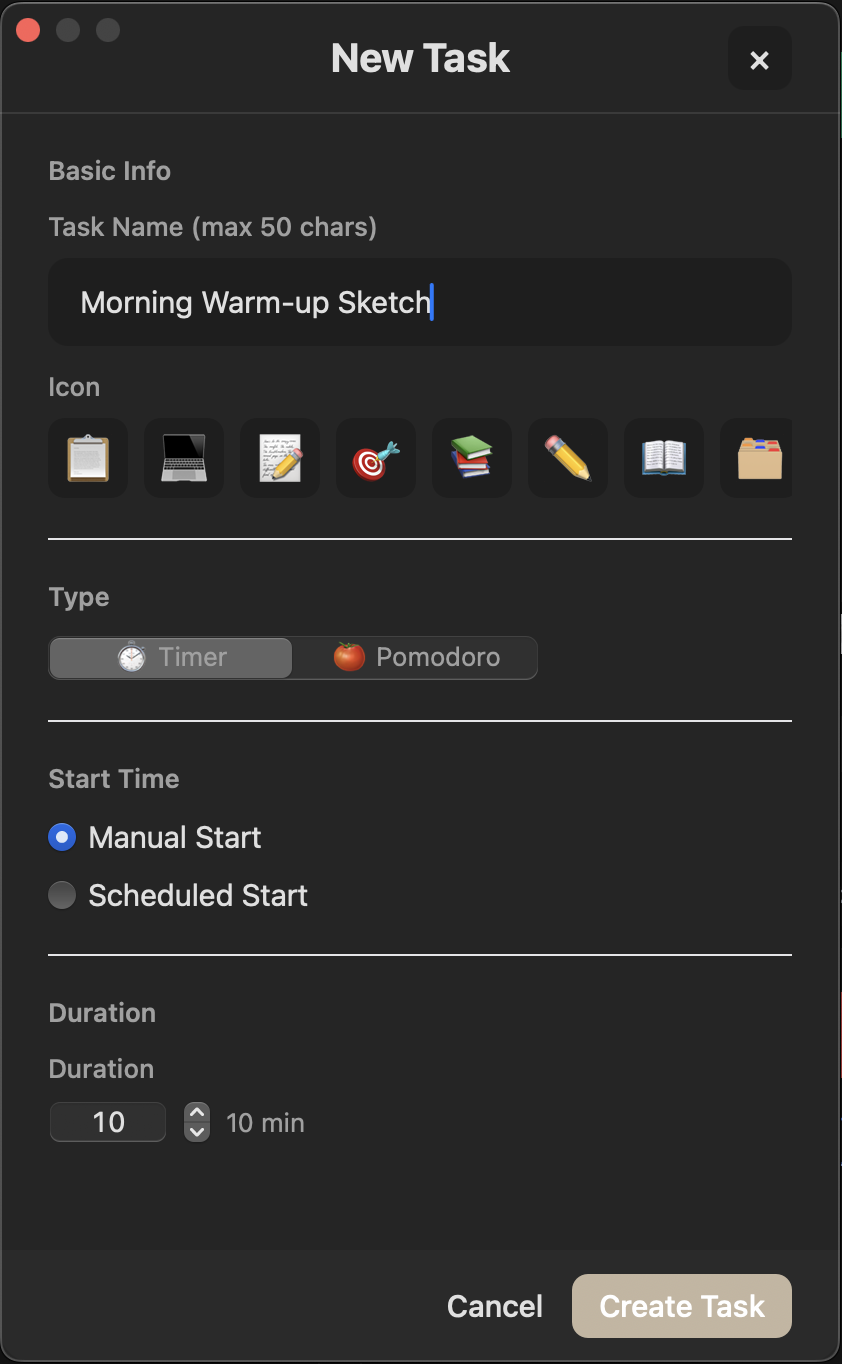
Create task dialog
STEP 1

Create a task

Pick Pomodoro or Free Timer. Name it. Set a duration. No templates, no tags, no overhead.

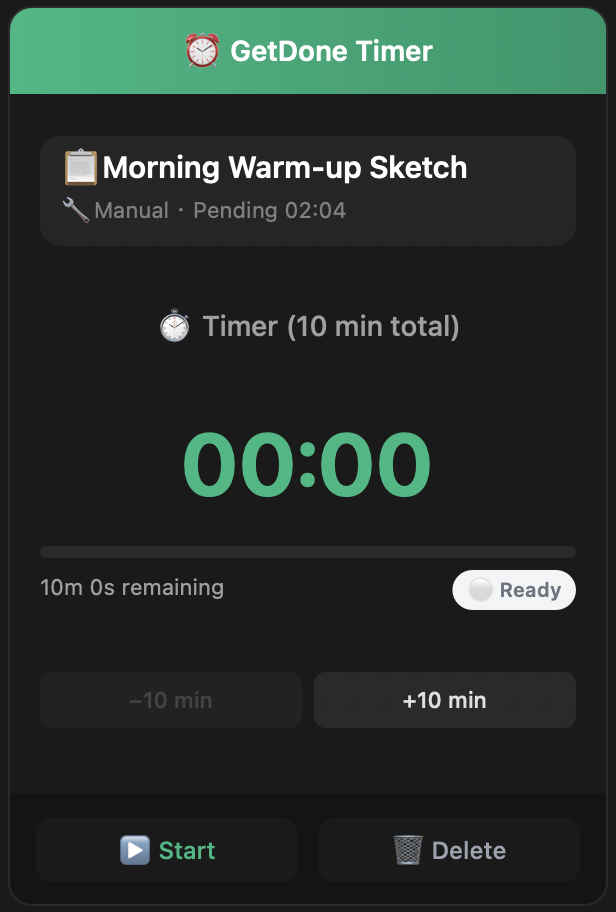
Menubar timer
STEP 2

Start & focus

Hit Start. The timer lives in your menubar — always visible, never in the way. Pause, delay, or finish anytime.

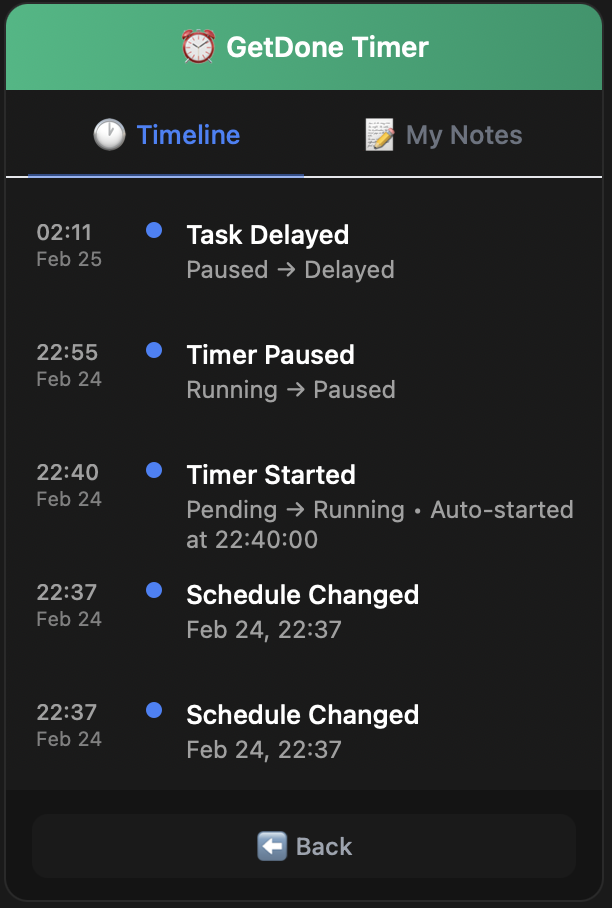
Timeline tracking
STEP 3

Track & review

Every action is logged. Timeline shows exactly what happened. Notes capture AI suggestions and your own thoughts.

Perfect for quick tasks. When you're ready for more, try the AI-Powered Plan →

No API key needed No extra subscription Works with any AI Your data stays local
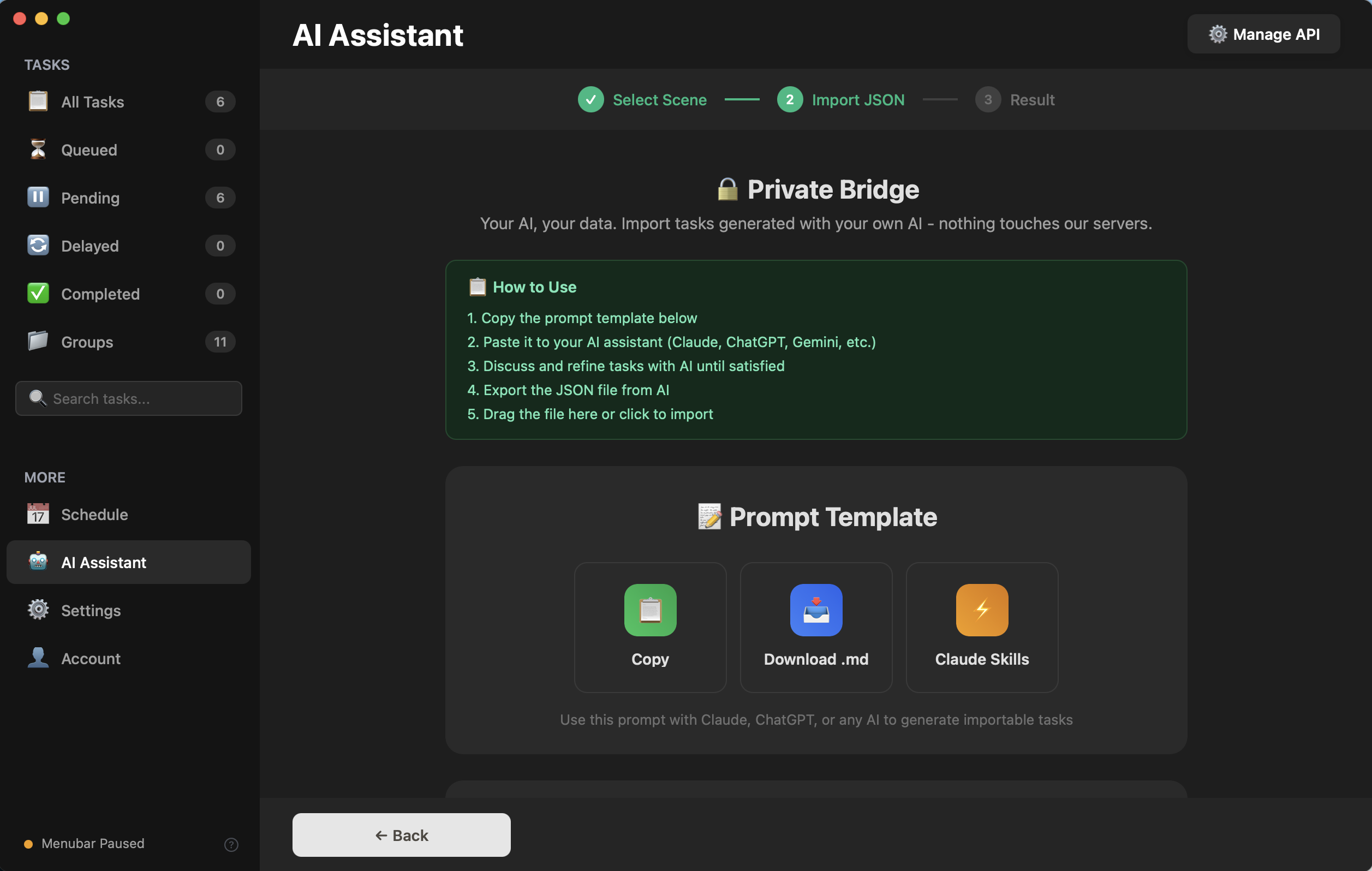
1
Copy
Grab the magic prompt
Open AI Assistant → Private Bridge. One tap copies a carefully designed prompt to your clipboard. It turns any AI into a task planning assistant.
1 click
Private Bridge — Copy Prompt
2
Plan
Chat with your AI
Paste into the AI that already knows you — your projects, your deadlines, your weak spots. It plans tasks using context no built-in AI could ever have.
~2 min conversation
Your AI Platform
Help me plan studying for finals — 6 courses, 10 days, afternoons only.
Based on our previous conversations, Calculus Ch.7 is your weakest area. I'll front-load it and interleave with Linear Algebra. Here's your 20-session plan...
Looks good! Generate the JSON.
✅ Here's your task JSON — 20 study sessions, prioritized by difficulty, afternoons only.
ChatGPT Claude Gemini DeepSeek Any AI
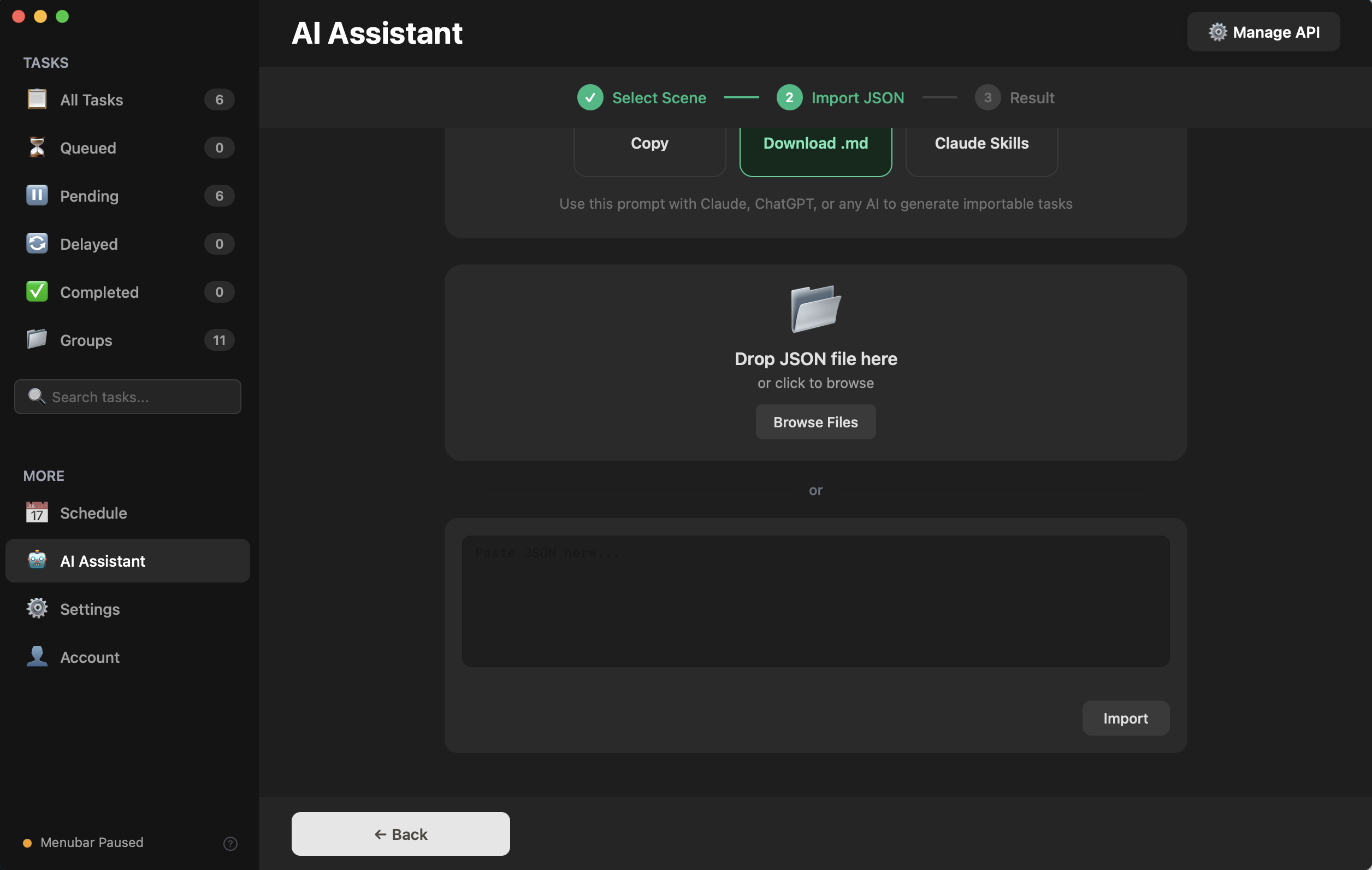
3
Import
One paste, all tasks ready
Copy the JSON back into GetDone Timer. Drag the file or paste it directly. Tasks appear organized in groups with scheduled times.
~10 seconds
Import JSON — drag or paste
4
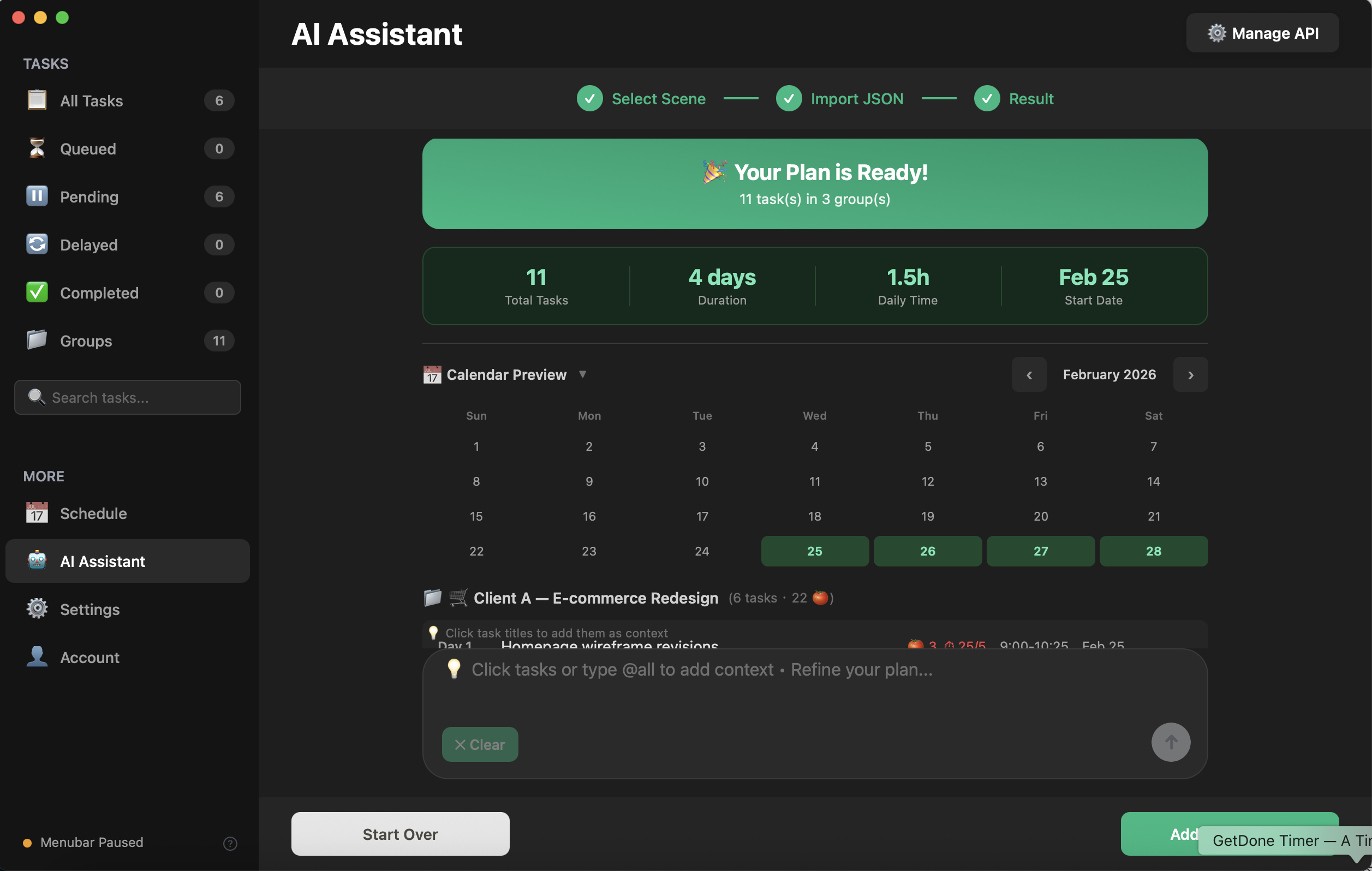
Execute
Your plan is ready
Tasks appear organized by groups with a calendar preview. 11 tasks, 4 days, 1.5h daily. Hit "Add" and everything lands in your task list and schedule.
You're doing it
Your Plan is Ready!
"The most powerful AI isn't built into any app. It's the one that already knows your life."
Community

Real people. Real stories.

🌱

Coming Soon

We're collecting stories from real users who use GetDone Timer every day. Your story could be here — share how you get things done.

Simple Pricing

Buy once, use forever. Add AI when ready.

One-time purchase for the core app. Optional AI subscription for power users.

Free
$0
No credit card needed
  • Up to 3 active tasks
  • Pomodoro & Timer modes
  • Menubar quick-access
  • Basic statistics
  • Copy Prompt for AI
AI Plus
$9.95 /year
Auto-renewable subscription
  • Built-in AI assistant
  • AI task generation
  • Smart task decomposition
  • Multi-provider support
  • Conversation history
  • Requires Lifetime or Bundle

Early bird prices unlock after inviting 3 friends. Limited to the first 500 users.

Your time deserves better tools. Start now.

Download GetDone Timer and start focusing on what matters.

Focus is a habit. This is where it starts.